

How to Use the AI Job Description Generator in SmoothHiring
SmoothHiring's AI Job Description tool uses artificial intelligence to help you create compelling, professional job descriptions in seconds. Whether you're starting from scratch or refining an existing description, AI-powered tools save time and produce higher-quality results that attract more qualified candidates.
Overview
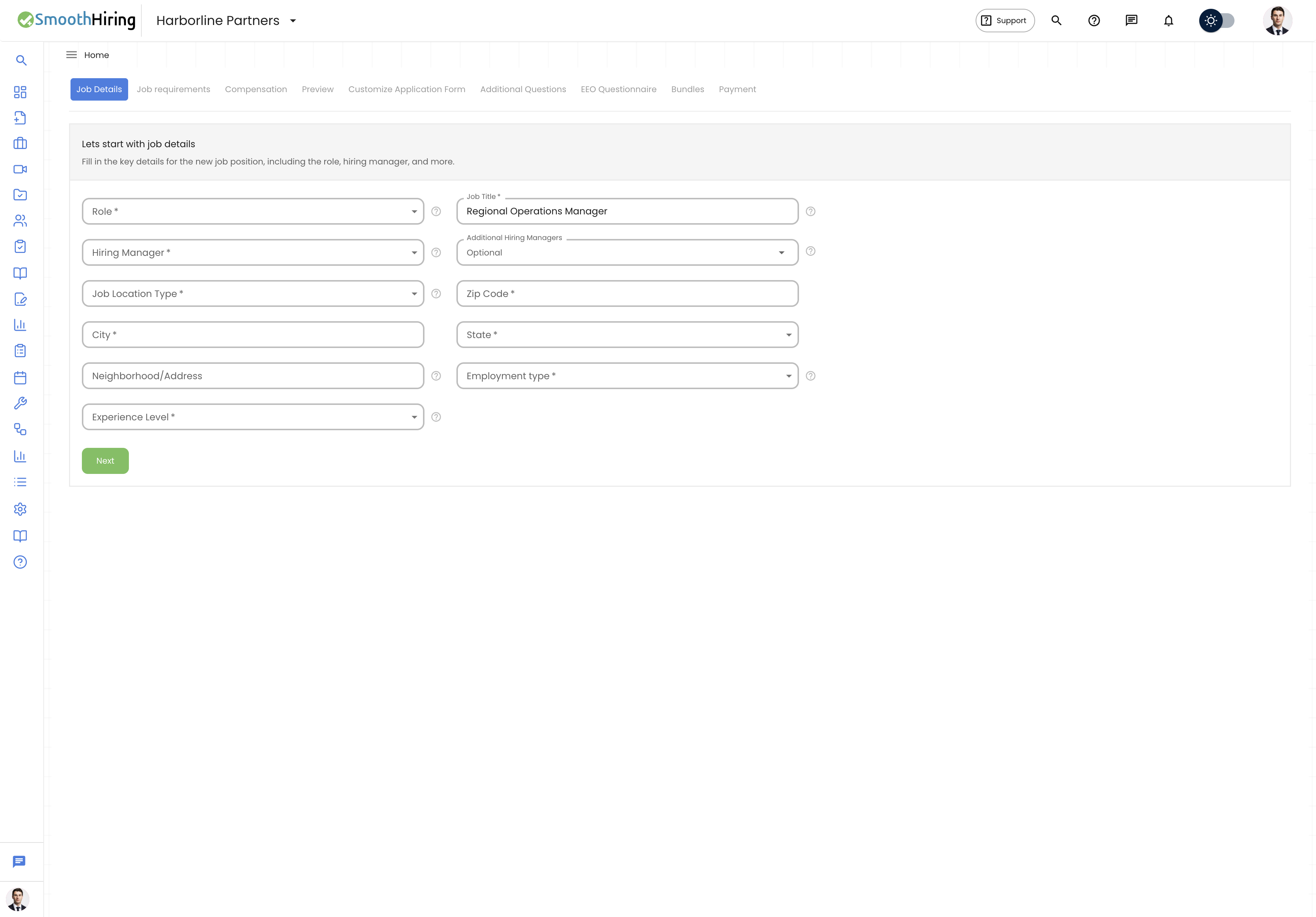
SmoothHiring offers several AI-powered tools for job descriptions:
| Feature | Description |
|---|---|
| AI Job Description Generator | Generate a complete job description from a job title and key details |
| AI Format & Structure | Automatically format and structure an existing job description |
| AI Enhance | Improve the language, tone, and completeness of a draft description |
| AI Keywords | Generate relevant keywords to improve job visibility in searches |
| AI Salary Prediction | Get salary range estimates for a role based on title and location |
Generating a Job Description with AI
During Job Creation
- Navigate to Jobs in the left sidebar.
- Click Create Job or the + button to start a new job posting.
- Enter the Job Title (e.g., "Senior Software Engineer").
- Look for the AI Generate option in the job description editor.
- Click Generate with AI.
- The AI will produce a comprehensive job description including:
- Role overview / About the role
- Key responsibilities
- Required qualifications
- Preferred qualifications
- Skills and competencies
- Benefits and perks (if applicable)
- Review the generated content and edit as needed.
- Click Save or continue with the job creation flow.
Tip: For best results, provide a clear and specific job title. "Senior Full-Stack Engineer — React & Node.js" will produce a more targeted description than just "Engineer."
AI Format & Structure
If you already have a rough draft or pasted content, use the AI formatting tool to clean it up:
- Paste or type your existing job description into the editor.
- Click Format with AI (or the AI format action).
- The AI will:
- Organize content into standard sections
- Add proper headings and bullet points
- Improve readability and structure
- Ensure consistent formatting throughout
- Review the formatted result and make any final adjustments.
AI Enhance
The AI Enhance tool takes an existing job description and improves it:
- Write or paste your job description draft.
- Click Enhance with AI.
- The AI will:
- Improve language clarity and professionalism
- Add missing sections or details
- Optimize for candidate engagement
- Suggest more inclusive language
- Strengthen calls to action
- Review the enhanced version and save.
Tip: Use the Enhance feature after writing a first draft. The AI excels at taking good content and making it great.
AI Keywords
Keywords help your job posting appear in search results on job boards and search engines:
- During job creation, find the AI Keywords feature.
- Click Generate Keywords to get AI-suggested keywords for the role.
- The AI analyzes the job title and description to suggest relevant search terms.
- Add keywords to your job posting to improve discoverability.
AI Salary Prediction
Get data-driven salary range estimates for any role:
- During job creation, look for the AI Salary feature.
- The AI provides salary range predictions based on:
- Job title
- Location
- Industry
- Experience level
- Use the suggested range as a starting point for your compensation section.
Tip: Including a salary range in your job posting can increase applications by up to 30%. Candidates are more likely to apply when compensation expectations are transparent.
Writing Effective Job Descriptions
Even with AI assistance, consider these best practices:
Structure
A strong job description typically includes:
- Job Title — Clear, standard, and searchable
- About the Company — Brief company overview (2–3 sentences)
- About the Role — What the position involves and why it matters
- Responsibilities — 5–8 key duties and expectations
- Requirements — Must-have qualifications and experience
- Nice-to-Haves — Preferred but not required qualifications
- Benefits & Compensation — Salary range, benefits, and perks
- How to Apply — Clear application instructions
Tone and Language
- Use active voice and direct language
- Avoid unnecessary jargon or acronyms
- Be inclusive — avoid gendered language or biased requirements
- Focus on outcomes rather than just tasks
- Highlight growth opportunities and company culture
Length
- Aim for 400–800 words for most roles
- Shorter descriptions may lack detail; longer ones lose candidate attention
- Use bullet points for easy scanning
AI Job Description in Workflow
The AI job description tools integrate seamlessly into your job creation workflow:
- Create Job → Enter title and basic details
- Description Tab → Generate, format, or enhance with AI
- Additional Questions → Add screening questions
- EEO Settings → Configure compliance questions
- Review & Publish → Publish to your careers page and job boards
Related Pages
- Job Description Templates — Browse and use pre-built templates
- AI Interview Kit — Generate interview questions with AI
- Careers Page — Where your job descriptions are displayed
- Candidate-Friendly Applications — Optimize the application flow