

Hiring Compliance in SmoothHiring
SmoothHiring is built with compliance and data security at its core. From EEO/EEOC reporting to data protection and access controls, SmoothHiring helps you maintain a fair, legal, and secure hiring process.
Equal Employment Opportunity (EEO) Compliance
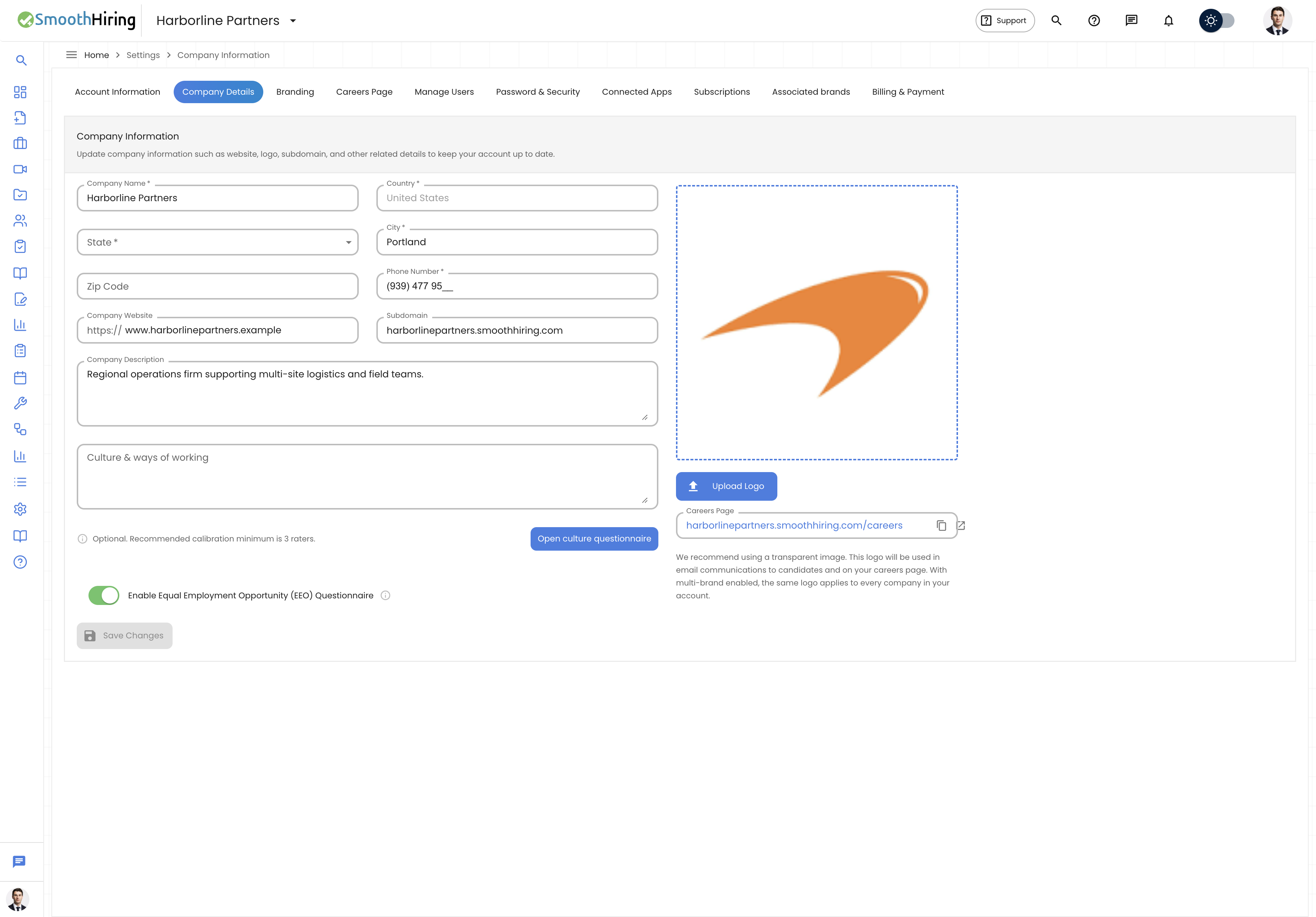
Overview
SmoothHiring supports EEO and OFCCP (Office of Federal Contract Compliance Programs) reporting to help you comply with federal equal employment opportunity regulations. EEO data collection is voluntary for candidates and kept strictly confidential.
Enabling EEO Questions
- During job creation, navigate to the EEO step.
- Toggle on the EEO questions you want to include.
- When candidates apply, they see voluntary EEO demographic questions at the end of the application.
EEO Data Categories
SmoothHiring collects the following voluntary demographic data:
| Category | Options |
|---|---|
| Gender | Male, Female, Non-binary, Prefer not to say |
| Race / Ethnicity | White, Black/African American, Hispanic/Latino, Asian, Native American, Pacific Islander, Two or more races, Prefer not to say |
| Veteran Status | Veteran, Not a veteran, Prefer not to say |
| Disability Status | Yes, No, Prefer not to say |
How EEO Data Is Protected
- EEO responses are stored separately from application data
- Hiring managers cannot see individual EEO responses
- Data is used only for aggregate reporting and compliance
- Candidates are clearly informed that responses are voluntary and will not affect their application
EEO Reporting
EEO reports are available to administrators and provide aggregate statistics:
- Application demographics by job posting
- Hiring outcome demographics
- Pipeline stage breakdown by demographic group
- Year-over-year diversity trends
Important: EEO reporting helps identify potential disparate impact in your hiring process. Regular review of these reports is a best practice for maintaining compliance.
Data Security
Encryption
- All data transmitted between your browser and SmoothHiring is encrypted using TLS/SSL (HTTPS)
- Sensitive data at rest is encrypted using industry-standard encryption
- Payment information is handled by Stripe — SmoothHiring never stores credit card data
Access Controls
SmoothHiring provides role-based access controls to protect sensitive information:
| Role | Permissions |
|---|---|
| Owner | Full access to all settings, billing, users, and data |
| Admin | Full access to settings, users, and hiring workflows |
| Hiring Manager | Access to assigned jobs, candidates, and interviews |
| Recruiter | Access to candidate pipelines and communication tools |
| Interviewer | Limited access to assigned interview evaluations |
Managing User Access
- Go to Settings → Account → Manage Users.
- View all team members and their assigned roles.
- Click Add User to invite a new team member.
- Assign an appropriate role based on their responsibilities.
- Edit or remove users as needed.
For detailed information, see Team Collaboration.
Password & Security Settings
Password Management
- Navigate to Settings → Account → Password & Security.
- From this tab, you can:
- Change your password — Enter your current password and a new one
- View login information — See your last login date and IP address
Two-Factor Authentication (2FA)
SmoothHiring supports two-step authentication for enhanced account security:
- Go to Settings → Account → Password & Security.
- Find the Two-Step Authentication section.
- Click Enable to set up 2FA.
- Follow the setup wizard (typically using an authenticator app).
- Once enabled, you'll need both your password and a verification code to log in.
Security Questions
As an additional recovery mechanism:
- Go to Settings → Account → Password & Security.
- Set up a Security Question for account recovery.
- Choose a question and provide an answer.
- This can be used to recover your account if you lose access.
SSO (Single Sign-On)
SmoothHiring supports Single Sign-On for enterprise customers, allowing team members to log in using their organization's identity provider (e.g., Okta, Azure AD, Google Workspace).
Note: SSO configuration is typically set up during enterprise onboarding. Contact support for setup assistance.
Data Handling Practices
Candidate Data
- Candidate data is retained according to your organization's data retention policies
- Candidates can request their data through their candidate dashboard
- Resume and personal information is stored securely
- Application data is accessible only to authorized team members
Integration Security
- All third-party integrations use OAuth 2.0 for secure authorization
- SmoothHiring requests only the minimum permissions needed for each integration
- Integration tokens can be revoked at any time by disconnecting the app
- See Integrations for details on each integration
Payment Security
- Payment processing is handled entirely by Stripe, a PCI-DSS Level 1 certified payment processor
- SmoothHiring does not store credit card numbers, CVVs, or other sensitive payment data
- All payment pages use encrypted connections
- See Billing & Payments for more information
Compliance Best Practices
For EEO Compliance
- Enable EEO questions on all job postings for consistent data collection
- Review EEO reports quarterly to identify trends
- Document your hiring criteria and decision-making process
- Train hiring managers on unconscious bias and fair hiring practices
For Data Security
- Use strong, unique passwords for your SmoothHiring account
- Enable two-factor authentication for all admin and owner accounts
- Review user access regularly and remove inactive users
- Use the principle of least privilege — assign the minimum role needed for each user
- Log out of shared or public computers
For Legal Compliance
- Include an equal opportunity employer statement in all job postings
- Maintain consistent interview processes across all candidates
- Document objective hiring criteria before reviewing applications
- Keep records of hiring decisions and the reasons behind them
Related Pages
- Team Collaboration — User roles and access levels
- Integrations — Third-party integration security
- Billing & Payments — Payment security
- Reference Checking — Compliance in reference checks