

AI Candidate Recommendations
: Top Picks for Every RoleSmoothHiring uses artificial intelligence throughout the assessment and hiring process to generate actionable candidate recommendations. This page explains how AI recommendations work, where they appear, and how to use them effectively.
Overview
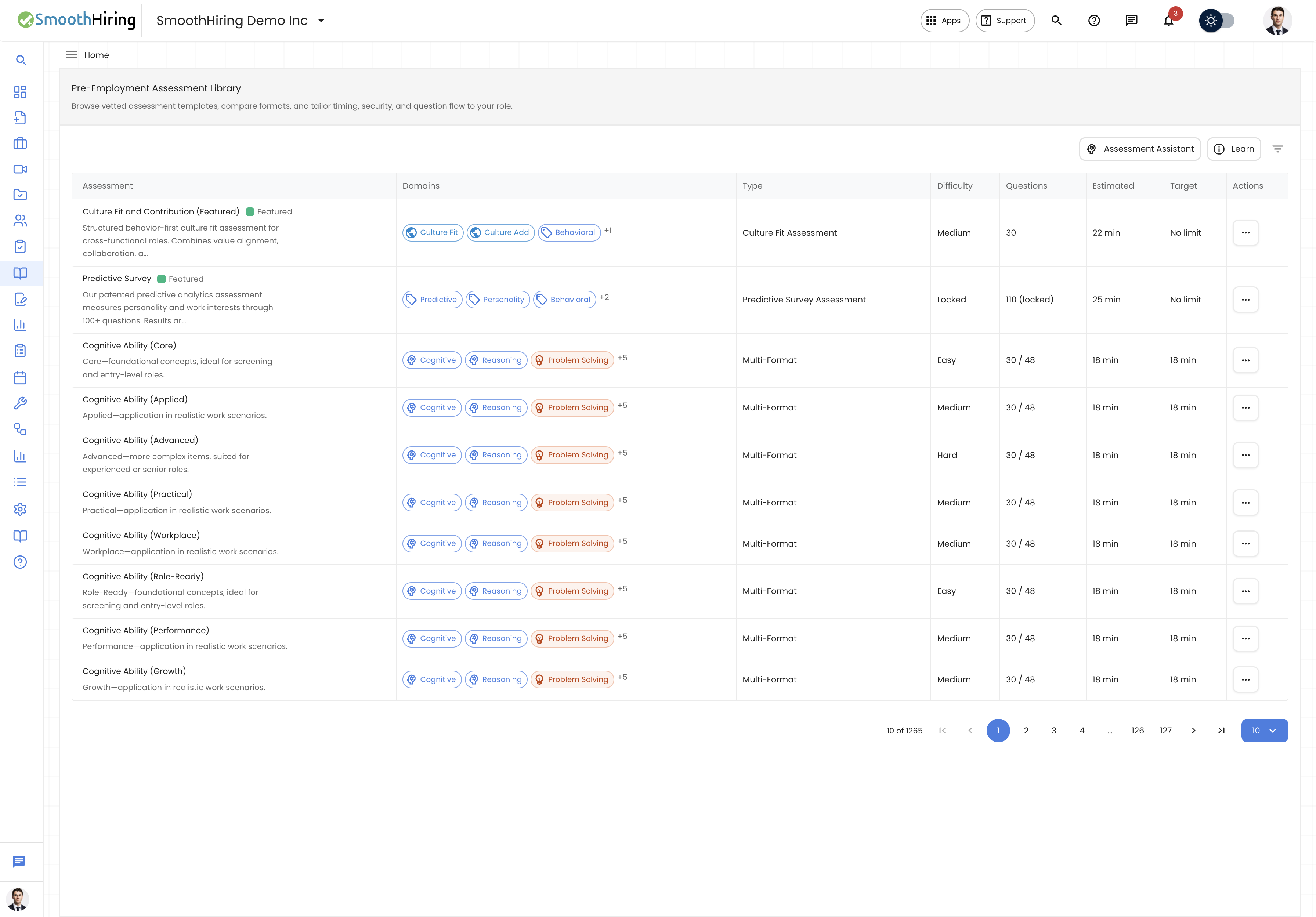
AI Candidate Recommendations analyze a candidate's complete assessment profile — including scores, trait patterns, integrity flags, response timing, and cohort comparisons — to produce clear, actionable hiring guidance. These recommendations help recruiters make faster, more consistent decisions.
Where AI Recommendations Appear
1. Assessment Detail View
When you open a completed assessment from an applicant's profile:
- The Candidate Insights Panel shows the AI-generated analysis
- The Decision Guidance section shows strengths, concerns, and recommended actions
- The Assessment Signal chip provides a visual summary
2. Assessment Insights Dashboard
The Assessment Insights dashboard includes:
- Recruiter Recommendation chart — distribution of AI recommendations across all candidates
- Recruiter Risk Level chart — distribution of AI-assessed risk levels
- AI Match Type chart — distribution of AI-determined match types
3. Assessment Library — Assessment Assistant
The AI-powered Assessment Assistant recommends which assessment templates to use based on your job description and hiring needs.
How AI Recommendations Are Generated
Input Data
The AI considers multiple data sources:
| Data Source | What It Tells the AI |
|---|---|
| Assessment scores | Overall performance and accuracy |
| Question-level responses | Depth and quality of individual answers (a sample of up to 25 questions) |
| Cohort comparison | How this candidate compares to others who took the same assessment |
| Percentile ranking | Statistical position within the candidate pool |
| Score band | Whether the candidate falls in the High, Medium, or Low range |
| Integrity flags | Any cheating or suspicious behavior detected |
| Assessment metadata | Assessment title, job name, and candidate name for context |
AI Processing
The AI endpoint (/ai/assessment-analysis) processes this data and returns:
- Analysis — a narrative summary of the candidate's performance
- Strengths — an array of identified strengths
- Risks — an array of identified risks or concerns
- Next Steps — recommended actions for the recruiter
- Overall Signal — a classification (Strong Signal, Positive Signal, Mixed Signal, Caution Signal, or Weak Signal)
Assessment Signal Classification
The AI assigns one of five signal levels:
| Signal | Meaning | When It Appears |
|---|---|---|
| Strong Signal | Candidate excelled across measured dimensions | High scores, clean integrity, strong cohort standing |
| Positive Signal | Generally good performance | Above-average scores with minor gaps |
| Mixed Signal | Inconsistent results | Some strong and some weak areas, or moderate integrity concerns |
| Caution Signal | Potential concerns identified | Below-average performance or notable integrity flags |
| Weak Signal | Significant concerns | Low scores, multiple integrity issues, or incomplete responses |
The signal is displayed as a color-coded chip throughout the interface.
Assessment Assistant AI
The Assessment Assistant in the Assessment Library uses a different AI model focused on matching assessment templates to job requirements.
How to Use
- Open the Assessment Library.
- Click Assessment Assistant (green button).
- Provide context:
- Role or job title — the position you are hiring for
- Select an existing job — choose from your active jobs to auto-populate the job description
- Job description — paste or edit the full job description
- Purpose — what you want the assessment to measure
- Challenges — specific hiring challenges
- Click Suggest.
AI Recommendation Results
For each recommended template, the AI provides:
- Template name — the specific library template suggested
- Reason — a plain-language explanation of why this template is relevant for your role and requirements
You can then Preview or Add each recommended template directly from the results.
AI Analysis for Different Assessment Types
Multi-Format Assessments
The AI analyzes:
- Question-by-question performance patterns
- Accuracy and scoring trends
- Time management (average time per question)
- Domain-level strengths and weaknesses
Video Assessments
The AI additionally evaluates:
- Communication clarity and professionalism
- Content relevance to the question
- Response completeness and depth
- See Video Assessment (AI Review) for details
Predictive Surveys
For predictive surveys, the AI analysis focuses on:
- Personality trait patterns and their role relevance
- Trait alignment with role expectations
- Potential distortion or inconsistency in response patterns
Simulation Assessments
For simulation assessments, the AI considers:
- Task completion accuracy
- Problem-solving approach
- Practical skills demonstrated
Using AI Recommendations Effectively
Do
- Combine AI insights with human judgment — AI recommendations are designed to augment, not replace, recruiter expertise
- Review the full analysis — don't rely solely on the signal chip; read the strengths, risks, and next steps
- Consider context — a "Mixed Signal" for a highly difficult assessment may still represent a strong candidate
- Compare across candidates — use pool standing and percentile to make fair comparisons
Don't
- Don't auto-reject based solely on AI signals — always review the underlying data
- Don't ignore integrity flags — these indicate potential issues with the assessment environment
- Don't skip the Questions tab — reviewing actual responses provides insights the AI summary may not capture