

How to Use Offer Letter Templates in SmoothHiring
SmoothHiring provides Offer Letter Templates that help you create professional, consistent offer letters for every candidate. Customize templates with your company's terms, branding, and merge fields to streamline the offer process and make a great impression on new hires.
Overview
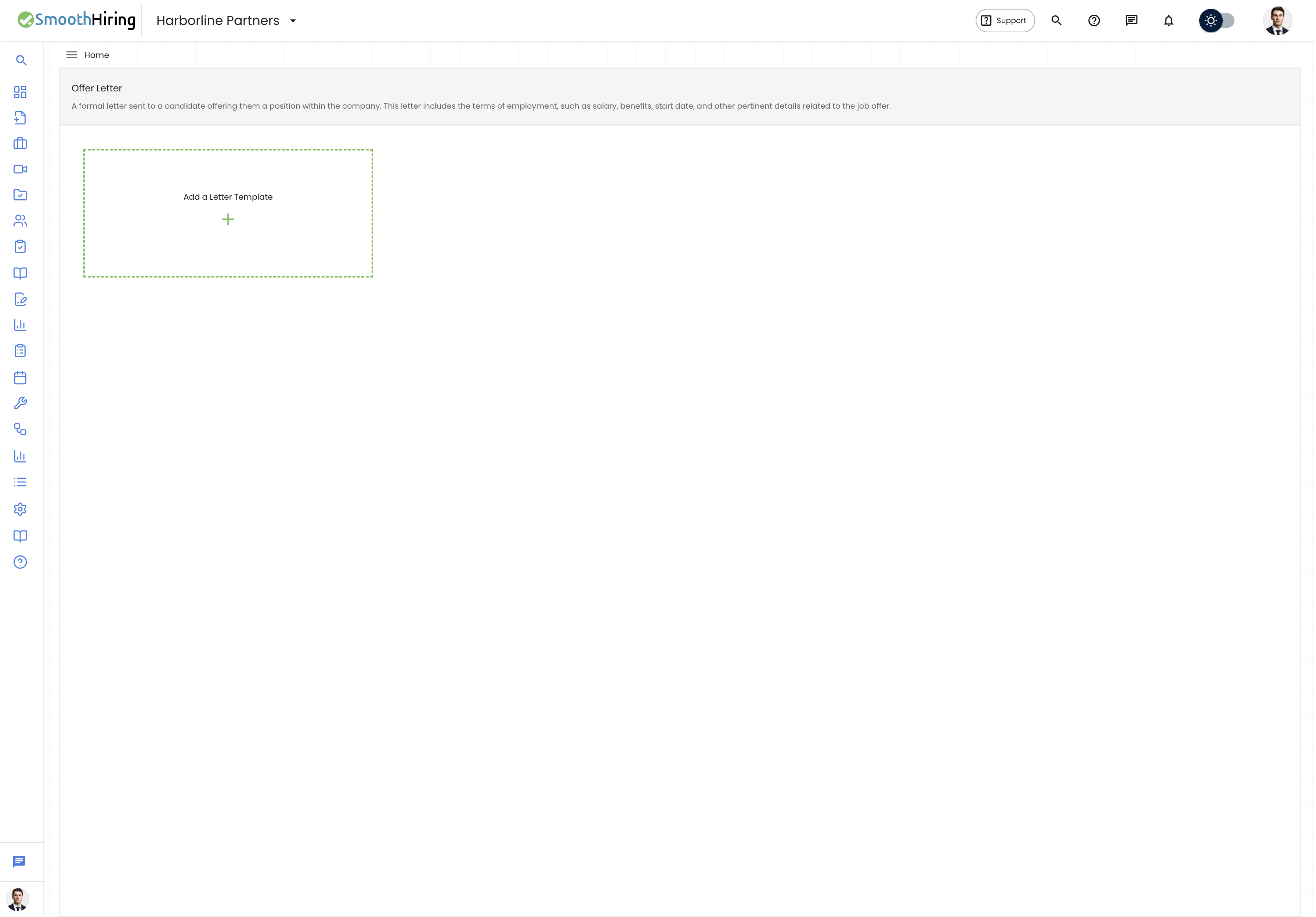
Offer letter templates allow you to:
- Maintain consistent formatting and language across all offers
- Pre-populate candidate and job details using merge fields
- Create templates for different employment types (full-time, part-time, contract, executive)
- Reduce turnaround time from interview to offer
- Integrate with DocuSign for electronic signatures
Accessing Offer Letter Templates
- Navigate to Settings in the left sidebar.
- Go to Tools & Automation.
- Click on Email Templates.
- Select the Offer Letter category.
Creating an Offer Letter Template
- From the Offer Letter templates section, click Create Template or Add New.
- Enter a Template Name (e.g., "Full-Time Offer Letter", "Contract Offer Letter").
- Use the Rich Text Editor to compose your offer letter.
- Insert merge fields for dynamic content (see below).
- Format the letter with headings, bullet points, and professional styling.
- Click Save.
Merge Fields
Merge fields automatically insert candidate and job-specific information into your offer letter. When the letter is generated for a specific candidate, these fields are replaced with actual data.
Available Merge Fields
| Merge Field | Description |
|---|---|
{{candidate_name}} |
Candidate's full name |
{{candidate_first_name}} |
Candidate's first name |
{{candidate_last_name}} |
Candidate's last name |
{{job_title}} |
Title of the offered position |
{{department}} |
Department name |
{{start_date}} |
Proposed start date |
{{salary}} |
Base compensation amount |
{{company_name}} |
Your company name |
{{hiring_manager}} |
Hiring manager's name |
{{location}} |
Work location |
Tip: Test your template by creating a draft offer letter for a test candidate. This helps you verify that all merge fields populate correctly and the formatting looks professional.
Template Structure
A professional offer letter typically includes:
1. Header
- Company letterhead / logo
- Date
- Candidate's name and address
2. Opening
- Congratulations and offer statement
- Job title and department
3. Compensation Details
- Base salary / hourly rate
- Pay frequency (bi-weekly, monthly, etc.)
- Signing bonus (if applicable)
- Equity / stock options (if applicable)
- Commission or bonus structure (if applicable)
4. Benefits Summary
- Health insurance overview
- Retirement plan details
- PTO policy
- Other benefits highlights
5. Employment Terms
- Employment type (at-will, contract, etc.)
- Start date
- Work schedule and location
- Reporting structure
6. Contingencies
- Background check requirements
- Reference check completion
- Drug screening (if applicable)
- Proof of work authorization
7. Acceptance
- Offer expiration date
- Signature lines for both parties
- Instructions for accepting or declining
8. Closing
- Excitement about the candidate joining
- Contact information for questions
Managing Multiple Templates
Create different templates for various scenarios:
| Template | Use Case |
|---|---|
| Standard Full-Time | Regular full-time employee offers |
| Part-Time | Part-time position offers with prorated benefits |
| Contract / Temporary | Fixed-term or contract positions |
| Executive | Senior leadership with equity, bonuses, and special terms |
| Remote | Remote positions with location-specific terms |
| Internship | Intern or co-op position offers |
| Promotion | Internal promotions with new title and compensation |
Using Templates When Making Offers
When you're ready to extend an offer:
- Navigate to the candidate's profile.
- Move the candidate to the Offer pipeline stage.
- Click Create Offer Letter.
- Select your desired template from the dropdown.
- The template content is populated with merge fields replaced by the candidate's data.
- Review and make any offer-specific edits.
- Send for e-signature via DocuSign integration.
Best Practices
- Keep it professional but warm — The offer letter is often the candidate's first "official" document from your company
- Be specific about compensation — Ambiguity leads to confusion and potential disputes
- Include an expiration date — Typically 3–5 business days to create appropriate urgency
- Reference the employee handbook — Note that employment is subject to your company's policies
- Have legal review — Have an employment attorney review your template before first use
- Update regularly — Review templates annually for legal and policy changes
Related Pages
- Offer Management — The complete offer workflow
- Onboarding — Post-acceptance onboarding
- Job Description Templates — Templates for job postings
- Policy Templates — HR policy templates
- Integrations — DocuSign and other integrations