

What Are Job Fit Assessments?
Job Fit is a core concept in Smooth
Hiring that measures how well a candidate's assessment results, qualifications, and personality traits align with the requirements of a specific job role. This page explains how job fit is calculated, displayed, and used throughout the hiring process.
What Is Job Fit?
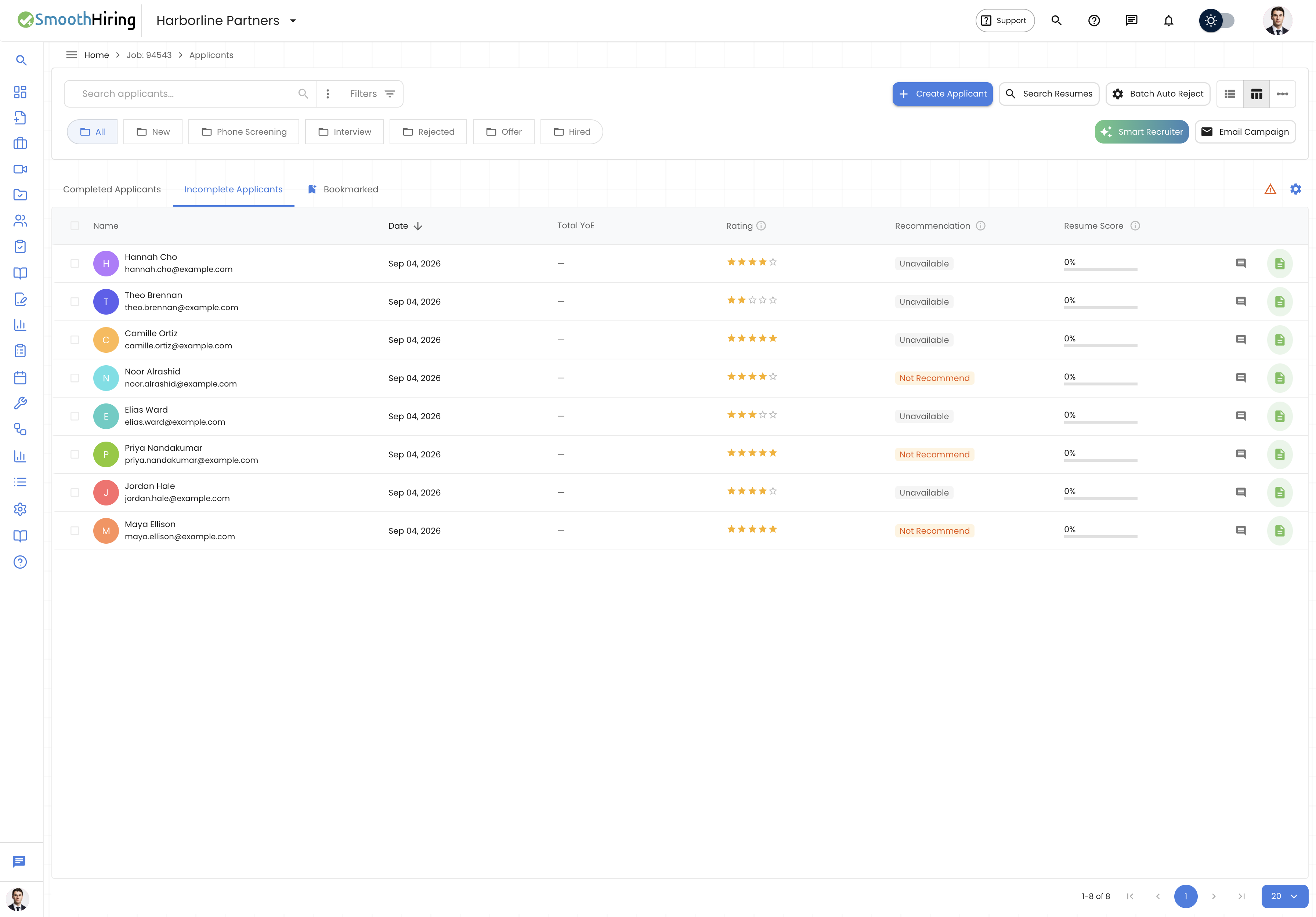
Job Fit represents the degree of alignment between a candidate's demonstrated abilities (through assessments) and the expectations of the role they applied for. It synthesizes multiple data points into a single, actionable recommendation.
Fit Levels
| Level | Chip Color | Description |
|---|---|---|
| Strong Fit | Green | High alignment with role expectations across all measured dimensions |
| Good Fit | Blue | Solid alignment with minor gaps that may not be significant |
| Fair Fit | Amber | Moderate alignment; review is recommended before proceeding |
| Weak Fit | Red | Low alignment with notable gaps in key areas |
| Distortion | Purple | Response patterns may be inconsistent or invalid (possible response bias) |
| Unavailable | Gray | Not enough assessment data to determine fit |
How Job Fit Is Calculated
Job Fit combines several assessment dimensions:
1. Assessment Performance
- Score percentage — overall assessment score relative to the assessment's scoring profile
- Accuracy — proportion of correct answers for knowledge-based questions
- Pool standing — how the candidate ranks compared to others who took the same assessment
- Percentile — statistical ranking within the candidate cohort
2. Personality Trait Alignment
For candidates who complete a Predictive Survey:
- Individual trait scores are compared against role expectations
- The overall trait profile is evaluated for fit with the target role
- Trait cohort averages provide context for whether scores are typical or exceptional
3. Qualification Matching
Job Fit also considers the alignment between:
- Education requirements — degrees, certifications, and qualifications specified in the job posting
- Skill requirements — technical and soft skills listed in the job description
- Experience — relevant work history and domain expertise
Where Job Fit Appears
Applicant Profile — Assessments Tab
When viewing a candidate's profile, the Assessments tab shows:
Assessment Cards — each completed assessment displays as a card with:
- Assessment title and type
- Completion status and date
- Score signal indicator (Strong, Positive, Mixed, Caution, Weak)
- Click to view detailed results
Assessment Detail View — clicking an assessment card reveals:
- Summary tab — assessment signal, pool standing, accuracy, completion stats, decision guidance, strengths, concerns, and recommended actions
- Report tab — embedded PDF assessment report with AI-generated analysis
- Integrity tab — integrity events and security flag details
- Questions tab — question-by-question review with answers
Shared Report — Job Fit Section
The Shared Report (accessible via shareable link) includes a dedicated Job Fit section showing:
- Role Fit chip — the fit level displayed as a color-coded chip
- Education / Qualifications — listed requirements for the job
- Skills / Experience — required skills and experience for comparison
A legend explains the fit levels:
Strong Fit — High alignment with role expectations. Good Fit — Solid alignment; minor gaps. Fair Fit — Moderate alignment; review recommended. Weak Fit — Low alignment; notable gaps. Distortion — Response patterns may be inconsistent or invalid. Unavailable — Not enough assessment data to determine fit.
Job Summary — Assessments Panel
From the Job Summary view, the assessments panel shows which assessments are assigned to the job and their auto-send configuration. See Auto Send Assessments for details.
Assessment Signals and Decision Guidance
Each completed assessment generates an Assessment Signal and Decision Guidance to help you make hiring decisions:
Assessment Signal
A visual chip indicating the overall assessment outcome:
- Strong Signal — confident positive outcome
- Positive Signal — generally good performance
- Mixed Signal — inconsistent results requiring review
- Caution Signal — potential concerns identified
- Weak Signal — significant concerns
Decision Guidance
Automated analysis that includes:
- Summary — plain-language description of the candidate's performance
- Strengths — specific areas of strong performance (green indicators)
- Concerns — areas requiring attention (amber indicators)
- Recommended Actions — numbered next steps for the recruiter
AI Analysis
SmoothHiring's AI automatically generates a deeper analysis for each completed assessment, providing:
- Contextual interpretation of the candidate's performance
- AI-identified strengths and risks
- Suggested next steps based on the full assessment context
Predictive Survey Role Fit
When a candidate completes a Predictive Survey assessment, the results include specialized role fit information:
Job Fingerprint
A visual representation of job requirements and how the candidate aligns with them. The fingerprint chart shows:
- Multiple job dimensions radiating from the center
- The candidate's score on each dimension
- Visual overlap between the job's requirements and the candidate's profile
Personality Traits
A bar chart showing the candidate's personality trait scores, including:
- Individual trait values
- Cohort average comparison (how the candidate compares to others)
- Trait names and descriptions
Culture Fit Assessment
For candidates who complete a Culture Fit assessment, additional metrics are displayed:
- Overall Culture Fit Score — aggregate alignment number
- Contribution Score — expected cultural contribution
- Benchmark Alignment — comparison against calibrated organizational benchmarks
- Dimension Scores — individual scores for each culture dimension (up to 8 displayed)
- Calibration Confidence — based on the number of organizational raters who established the benchmark
Using Job Fit in Hiring Decisions
- Screen candidates — use fit levels to quickly identify strong and weak candidates
- Compare assessments — candidates with multiple assessments can be evaluated holistically
- Combine with interviews — use the Quick Actions links to navigate directly to Interview Kits, Scorecards, or Profile from the assessment view
- Share with hiring managers — use the Shared Report to share assessment results including job fit with stakeholders