

AI Resume Parsing
: Automatic Resume Data ExtractionSmoothHiring uses AI-powered resume parsing to automatically extract structured information from candidate resumes uploaded during the assessment and application process. This saves recruiters time and enables automated matching between candidate qualifications and job requirements.
What Is AI Resume Parsing?
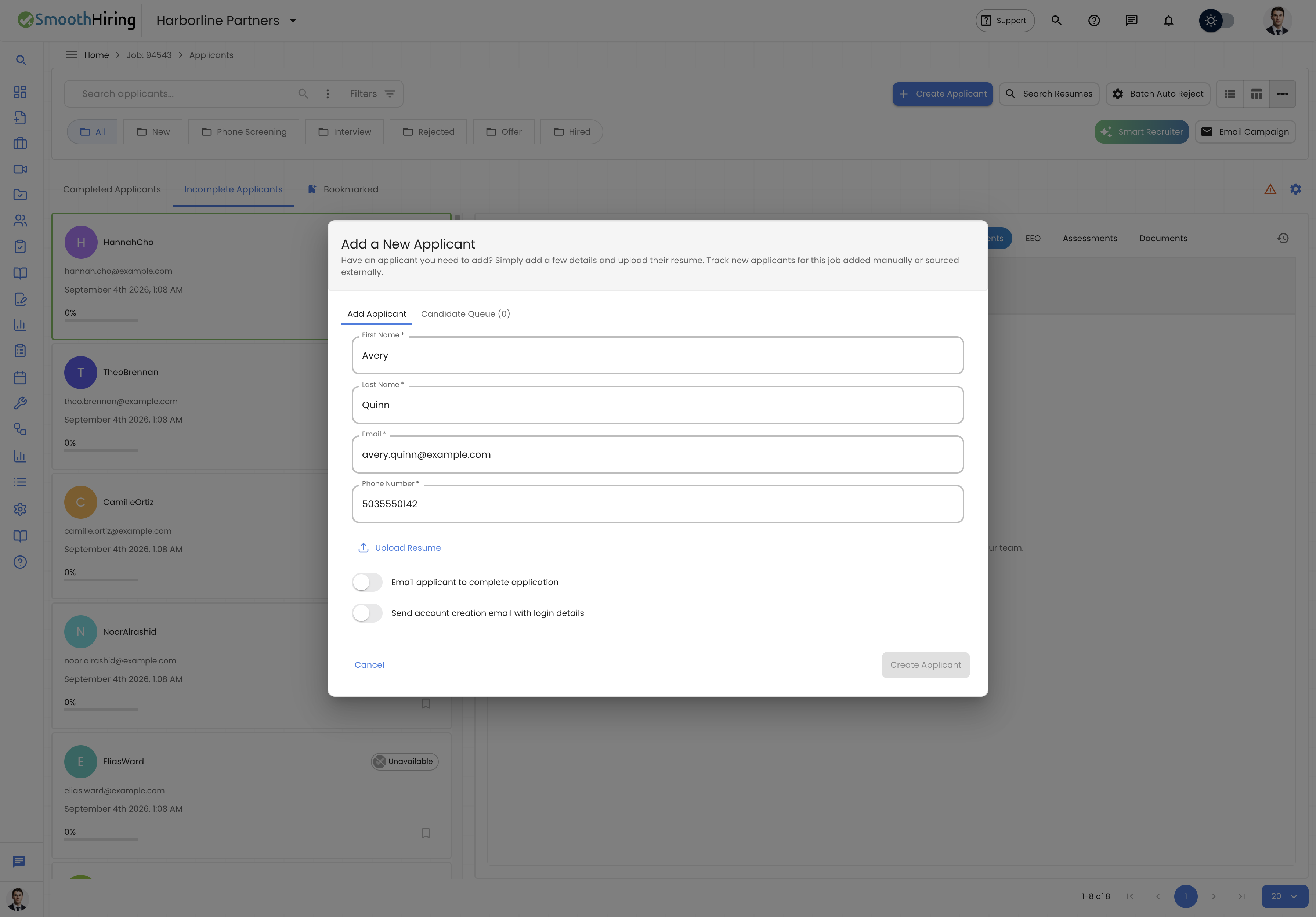
AI Resume Parsing automatically reads candidate resume files (PDF, DOC, DOCX) and extracts structured data points including:
- Contact information — name, email, phone number, location
- Work experience — job titles, companies, dates, responsibilities
- Education — degrees, institutions, graduation dates, certifications
- Skills — technical skills, soft skills, tools, and technologies
- Summary — professional summary or objective statement
This parsed data is used throughout SmoothHiring to power features like Job Fit scoring, AI Salary Estimation, and AI Candidate Recommendations.
When Resume Parsing Occurs
During Assessment Completion
When candidates take a pre-employment assessment, the assessment start page includes a resume upload option (unless the employer has enabled Hide resume upload in the assessment configuration). If a candidate uploads their resume:
- The resume file is securely stored
- AI parsing begins automatically in the background
- Parsed data becomes available on the candidate's profile within minutes
During Application
When candidates apply through job posting forms that include resume upload fields, the same parsing process applies.
Resume Upload Settings
Employers can control the resume upload experience through assessment configuration:
| Setting | Description |
|---|---|
| Hide resume upload (toggle) | When enabled, candidates will not see or be required to upload a resume on the assessment start page. Useful for assessments focused purely on skills without resume bias. |
Tip: Hiding the resume upload removes potential bias from the assessment process but also means you won't have parsed resume data available for that assessment's candidates.
Parsed Data in the Platform
Applicant Profile
Parsed resume data appears in the applicant's profile, including:
- Education section — degrees, institutions, and certifications extracted from the resume
- Skills section — technologies, tools, and competencies identified
- Experience section — work history with roles, companies, and tenure
Shared Report
The Shared Report uses parsed resume data to populate:
- Education / Qualifications — matched against job requirements
- Skills / Experience — compared with the role's skill requirements
Job Fit Calculation
Parsed resume data is a key input for the Job Fit calculation:
- Education requirements from the job posting are compared against the candidate's parsed education
- Skill requirements are matched against identified skills
- Experience level is evaluated against role expectations
How AI Parsing Works
Technology
SmoothHiring's resume parser uses advanced natural language processing (NLP) to:
- Document understanding — identifies the structure and layout of the resume
- Entity extraction — recognizes names, dates, organizations, skills, and other entities
- Section classification — determines which parts of the resume correspond to education, experience, skills, etc.
- Normalization — standardizes extracted data (e.g., mapping "Bachelor of Science" and "B.S." to the same qualification)
Supported Formats
| Format | Support Level |
|---|---|
| Full support (text-based and image-based via OCR) | |
| DOCX | Full support |
| DOC | Full support |
Accuracy
AI parsing accuracy depends on:
- Resume formatting — well-structured resumes with clear sections parse more accurately
- Language — English resumes parse with the highest accuracy
- Length — standard 1–3 page resumes produce the best results
- Content clarity — clear job titles, dates, and descriptions improve extraction quality
Privacy and Data Handling
- Resume files and parsed data are stored securely and are only accessible to authorized employer account users
- Parsed data is associated with the candidate's profile within SmoothHiring
- Candidates can request data deletion in accordance with privacy policies
- Resume data is not shared between employer accounts
Integration with Other Features
| Feature | How Resume Data Is Used |
|---|---|
| Job Fit | Qualifications and skills are matched against job requirements |
| AI Salary Estimator | Experience, skills, and education inform salary range estimates |
| AI Candidate Recommendations | Resume context enriches AI analysis of assessment results |
| Predictive Analytics | Aggregated resume data contributes to hiring trend analysis |
| Shared Reports | Parsed education and skills populate report sections |
Troubleshooting
| Issue | Solution |
|---|---|
| Resume not parsed | Verify the file format is supported (PDF, DOC, DOCX). Image-only PDFs may take longer to process. |
| Missing data | Some resumes use non-standard formatting that reduces extraction accuracy. Encourage candidates to use clearly structured resumes. |
| Incorrect extraction | AI parsing is not 100% accurate. Always verify critical data points manually. |
| No resume available | If "Hide resume upload" is enabled on the assessment, candidates won't be prompted to upload. Check the assessment configuration. |