

How to Use Job Description Templates in SmoothHiring
SmoothHiring's Job Description Templates help you create consistent, professional job postings quickly. Use pre-built templates for common roles or create your own reusable templates that reflect your company's tone and requirements.
Overview
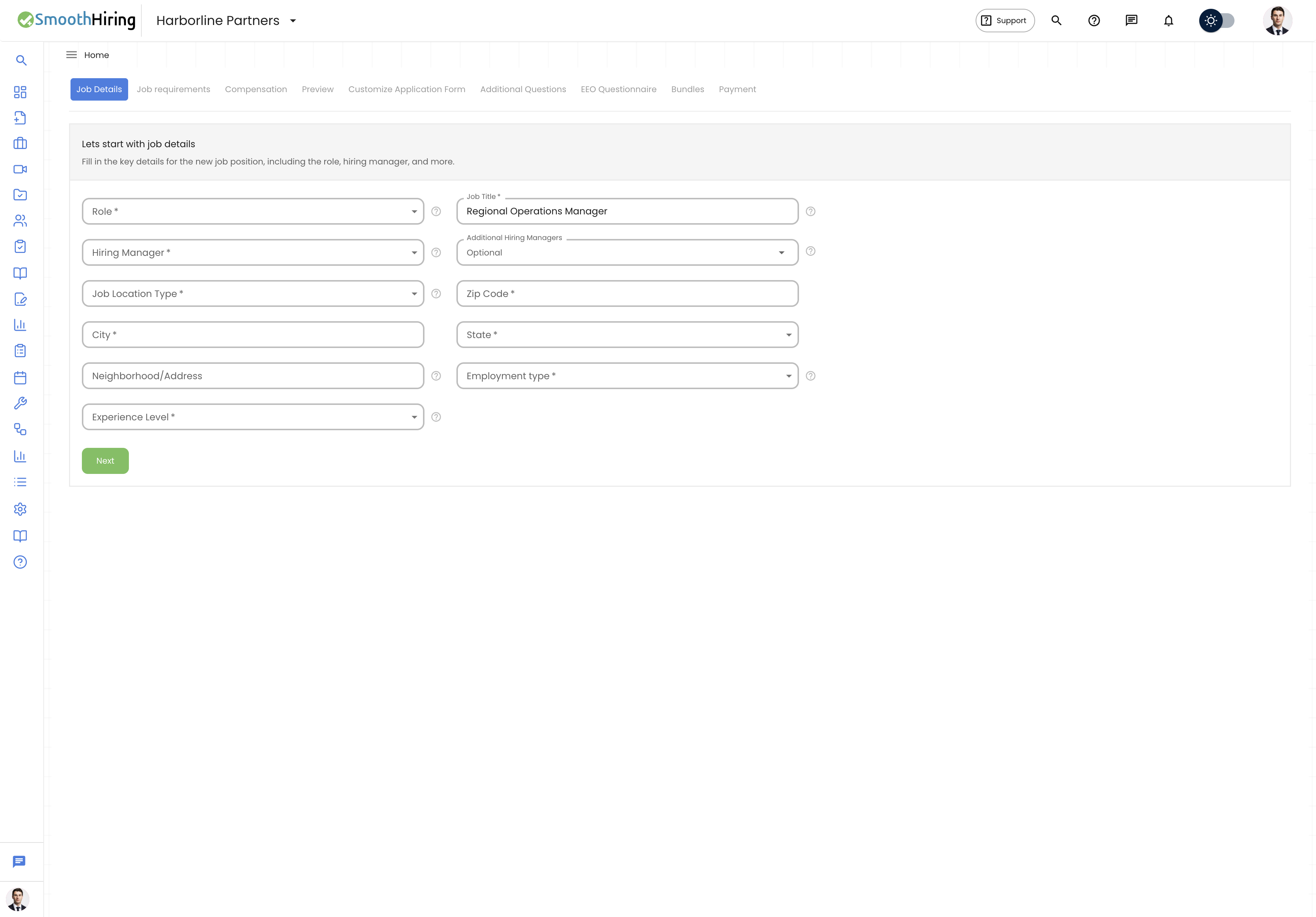
Job Description Templates allow you to:
- Start new job postings from proven, pre-written content
- Maintain consistency across similar roles
- Save time by reusing descriptions for recurring positions
- Ensure all required sections are included in every posting
Accessing Templates
During Job Creation
- Navigate to Jobs in the left sidebar.
- Click Create Job to start a new posting.
- At the Template Job Select step, browse available templates.
- Select a template that matches your open role.
- The template content pre-fills the job description, which you can then customize.
From the Resources Section
- Navigate to Resources or Employer Resources in your dashboard.
- Browse the job description template library.
- Preview templates before using them.
- Select a template and click Use Template to start a new job posting.
Using a Template
When you select a job description template:
- Title and basic info are pre-filled with typical values for the role.
- Description content is populated with a professional, structured description.
- Requirements and qualifications are included as a starting point.
- Responsibilities are listed with common duties for the role.
- All fields remain fully editable — customize everything to match your specific needs.
Tip: Templates are starting points, not finished products. Always customize the company-specific details, team information, and unique aspects of your particular opening.
Copying an Existing Job
In addition to templates, you can create a new job by copying an existing one:
- Navigate to Jobs and find a previous job posting.
- Click the Copy Job option.
- All job details, including the description, questions, and settings, are duplicated.
- Edit the copied job to reflect the new opening.
- Publish when ready.
This is especially useful for recurring roles (e.g., seasonal hiring, opening the same position in a different location).
Creating Your Own Templates
While SmoothHiring provides pre-built templates, you can also build your own template library:
- Create a job with your ideal description, structure, and questions.
- Use this job as a template by copying it whenever you need a similar posting.
- For organization-wide consistency, establish a set of "master" job postings that serve as your template library.
Template Sections to Include
A comprehensive job description template should cover:
| Section | Description |
|---|---|
| Job Title | Clear, searchable position title |
| About the Company | Standard company overview paragraph |
| About the Role | Position summary and impact |
| Key Responsibilities | 5–8 primary duties |
| Required Qualifications | Must-have skills and experience |
| Preferred Qualifications | Nice-to-have attributes |
| Benefits & Compensation | Standard benefits package |
| Work Arrangement | Remote, hybrid, or on-site details |
| Equal Opportunity Statement | EEO compliance statement |
Combining Templates with AI
For the best results, combine templates with SmoothHiring's AI tools:
- Start with a template for structure and consistency.
- Use AI Enhance to improve language and engagement.
- Use AI Keywords to optimize for search visibility.
- Use AI Format to clean up any manual edits.
This workflow gives you the consistency of templates with the polish of AI-optimized content.
Template Best Practices
- Keep templates current — Update templates at least annually to reflect changing market expectations
- Include salary ranges — Modern job descriptions include compensation information
- Use inclusive language — Avoid jargon, gendered pronouns, or unnecessarily restrictive requirements
- Structure for scanning — Use bullet points, headers, and short paragraphs
- Highlight what makes you unique — Generic descriptions attract generic applications
Related Pages
- AI Job Description — Generate descriptions with AI
- Policy Templates — Company policy templates
- Offer Letter Templates — Offer letter templates
- Careers Page — Where job descriptions are displayed