

Building Scoring Profiles for Your RolesScoring Profiles in Smooth
Hiring define how assessment results are evaluated and how candidates are ranked against one another. They determine the weight given to different question types, skill domains, and assessment components when calculating a candidate's overall score and job fit recommendation.
What Is a Scoring Profile?
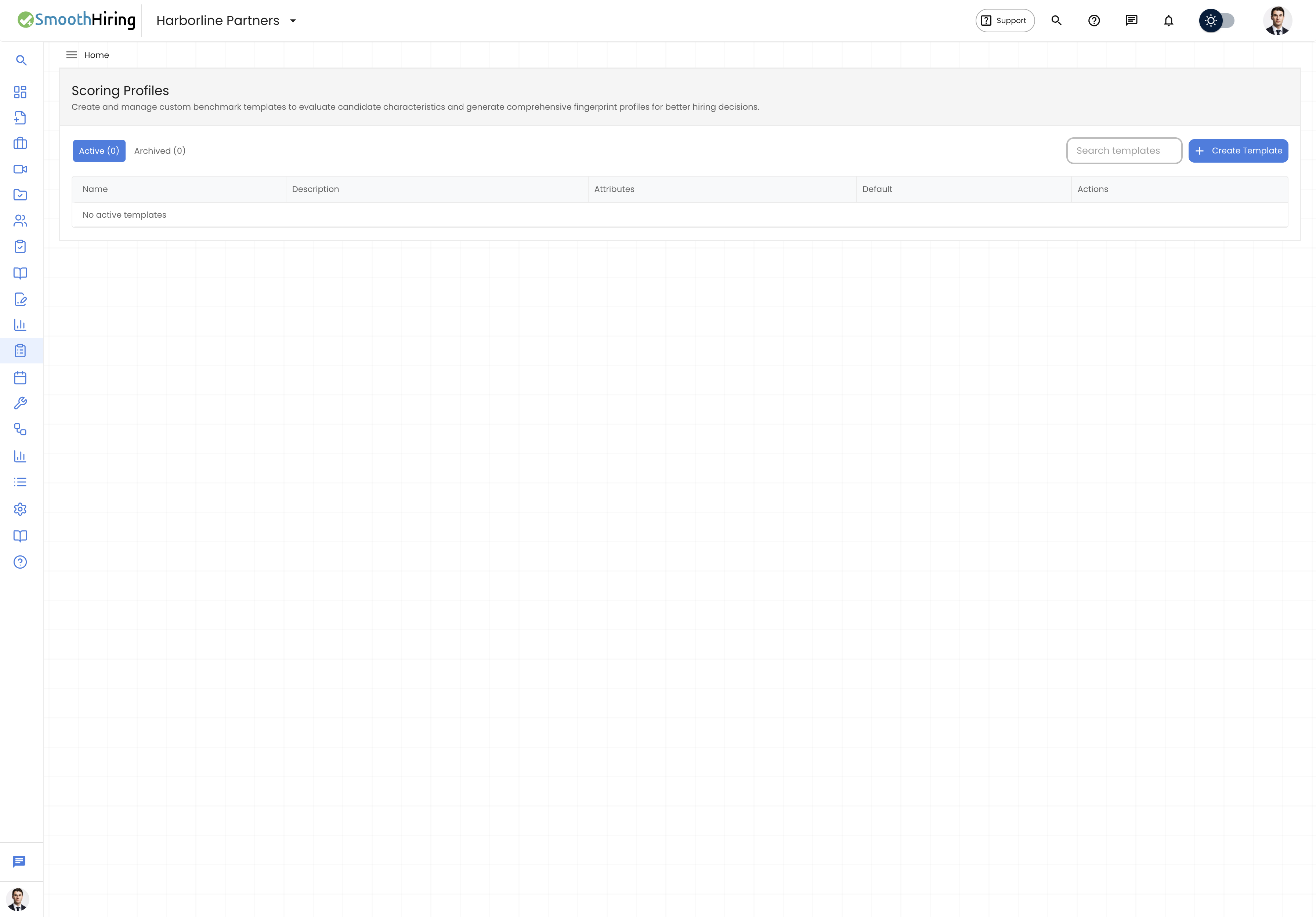
A scoring profile is a configuration that controls:
- How individual question scores contribute to the overall assessment score
- How different skill domains are weighted relative to each other
- The thresholds that determine score bands (High, Medium, Low)
- The decision guidance logic that generates recruiter recommendations
Scoring profiles work behind the scenes to transform raw assessment answers into actionable hiring signals.
How Scoring Works
Score Calculation
When a candidate completes an assessment, SmoothHiring calculates scores at multiple levels:
- Question-level — Each question receives a raw score based on the answer correctness or quality
- Domain-level — Questions are grouped by skill domain (e.g., Reasoning, Communication, Leadership), and domain averages are calculated
- Assessment-level — Domain scores are combined using the scoring profile's weights to produce an overall score percentage
- Cohort comparison — The candidate's score is compared against all other candidates who have taken the same assessment to determine percentile ranking and pool standing
Score Bands
Scores are categorized into bands for quick visual reference:
| Band | Typical Range | Color |
|---|---|---|
| High | 70%+ | Green |
| Medium | 40–69% | Amber/Yellow |
| Low | Below 40% | Red |
Pool Standing
Every candidate is ranked relative to others who have taken the same assessment. Pool standing includes:
- Rank — the candidate's position (e.g., "2nd of 15")
- Percentile — the percentage of candidates scored below this candidate
- Standing label — descriptive text like "Top 10%", "Above Average", "Average", or "Below Average"
- Cohort average — the mean score across all candidates
- Cohort median — the middle score in the candidate pool
Assessment Signal System
Based on the scoring profile calculation, each completed assessment receives an Assessment Signal — a quick visual indicator of the overall outcome:
| Signal | Meaning |
|---|---|
| Strong Signal | Candidate performed well across all measured dimensions |
| Positive Signal | Generally good performance with minor areas for review |
| Mixed Signal | Inconsistent performance — some strengths and some concerns |
| Caution Signal | Performance suggests potential concerns that should be investigated |
| Weak Signal | Performance significantly below expectations |
The signal is derived from a combination of:
- Score percentage and accuracy
- Pool standing relative to other candidates
- Completion rate (percentage of questions answered)
- Integrity flags (any cheating concerns)
- Average time per question (unusually fast responses may indicate guessing)
Decision Guidance
The scoring profile generates automated Decision Guidance for each candidate, which includes:
- Summary statement — a plain-language explanation of the candidate's performance
- Strengths — specific areas where the candidate excelled
- Concerns — areas that may need further investigation
- Recommended actions — suggested next steps (e.g., "Proceed to interview", "Consider additional assessment", "Review integrity flags")
Trait Scoring (Predictive Surveys)
For Predictive Survey assessments, scoring profiles measure personality traits rather than knowledge or skills. Each trait receives a numerical score, and the profile compares these against:
- Cohort averages — how the candidate's trait scores compare to others in the same assessment pool
- Role fit benchmarks — how well the trait profile matches the expectations for the target role
The overall Role Fit is expressed as:
| Fit Level | Description |
|---|---|
| Strong | High alignment with role expectations |
| Good | Solid alignment with minor gaps |
| Fair | Moderate alignment; review recommended |
| Weak | Low alignment; notable gaps |
Culture Fit Scoring
Culture Fit assessments use a specialized scoring approach:
- Overall Culture Fit Score — aggregate alignment with organizational culture
- Contribution Score — how much the candidate would contribute to culture
- Benchmark Alignment Score — comparison against calibrated organizational benchmarks
- Dimension Scores — individual scores for each culture dimension measured
- Calibration Confidence — confidence level based on the number of raters who calibrated the benchmark
Accuracy Metrics
For question-based assessments, accuracy is measured separately from the overall score:
- Accuracy percentage — the proportion of correct answers (for questions with definitive correct answers)
- Accuracy standing — descriptive label such as "High Accuracy", "Moderate Accuracy", or "Low Accuracy"
This helps distinguish between candidates who scored well through knowledge versus those who may have guessed correctly.
Configuring Scoring Behavior
While scoring profiles themselves are managed at the system level, you can influence how scores are presented through assessment configuration:
- Show percentage score in recruiter views — toggle whether a single % score appears in assessment summary cards
- Difficulty level — affects how scores are contextualized in reports
- Question count target — controlling how many questions are delivered affects the statistical reliability of scores