

How to Use the Talent Pool in SmoothHiring
The Talent Pool holds candidates you want to keep — people who applied before, were sourced, or are not on an active job yet.---
Open the Talent Pool
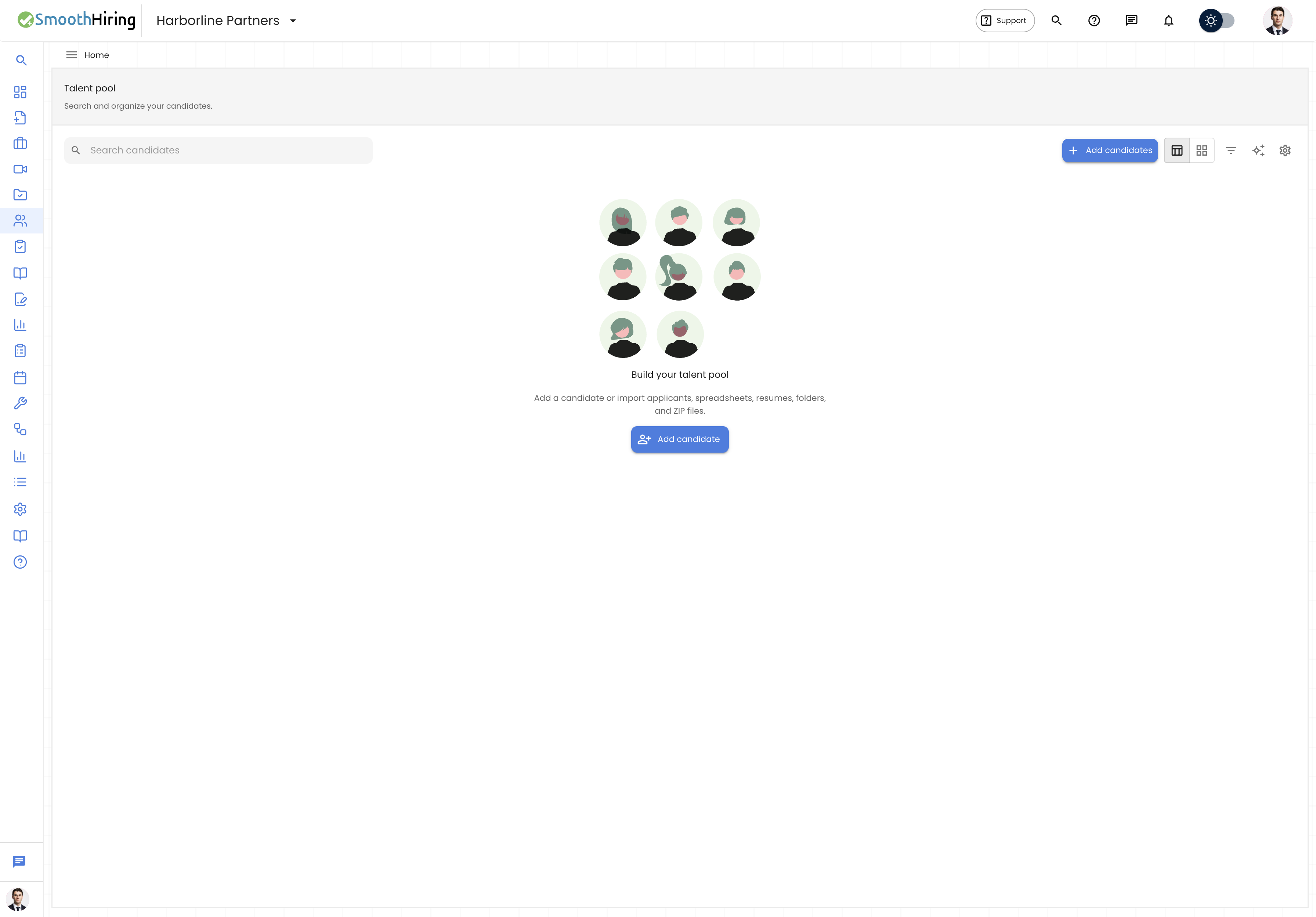
- In the left nav, click Talent Pool.
- Or go to My Applicants and move a candidate into the pool from their profile.
Add candidates
- Click Add candidates.
- Enter name, email, and role, or import from a file.
- Set pool status and source.
- Save. The candidate appears in the table.
Find and organize
- Search by name or email
- Filter by role, pool status, source, and date added
- Switch Table view or Card view
- Use Smart recruiter to rank people in the pool against a job
- Open Pool settings to manage statuses and tags
Move a candidate to a job
- Open the candidate.
- Choose Port to job or add them to an open job.
- They stay in the pool unless you remove them.
Related Pages
Contact Support
- In-app chat in the bottom-right corner of SmoothHiring
- Email: support@smoothhiring.com
- First response: typically within 1 business day
- Hours: Monday–Friday, 9:00 AM – 6:00 PM Eastern Time
See Contact Support.