

Posting Internal Jobs in SmoothHiring
Overview
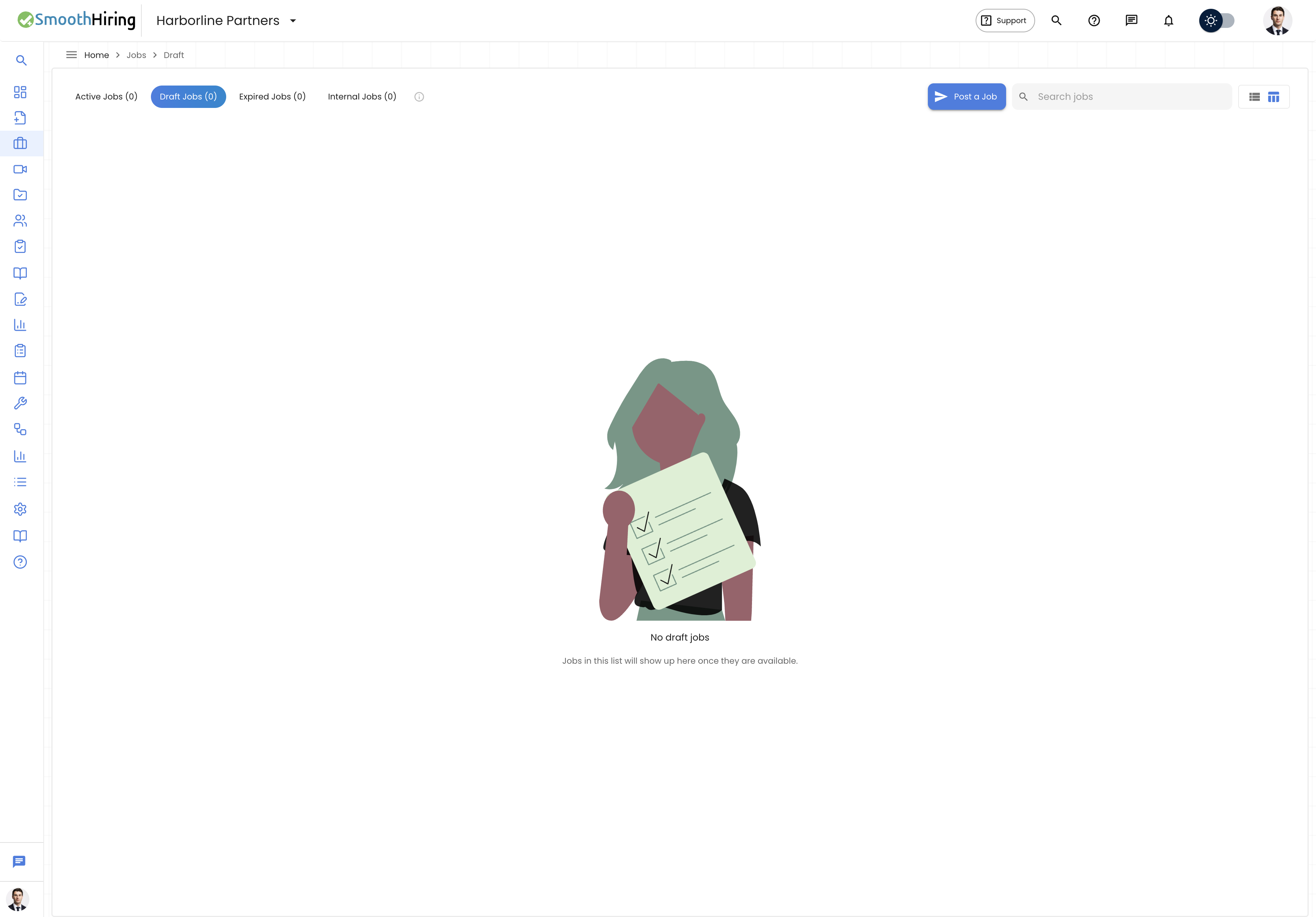
Internal Job Postings allow organizations to advertise open positions exclusively to their existing employees before (or instead of) making them publicly available. This supports internal mobility, employee development, and retention by giving your current team the first opportunity to apply for new roles.
SmoothHiring makes it easy to manage internal postings alongside your public job listings, with clear controls over visibility, distribution, and the application process.
Why Use Internal Job Postings
Internal hiring offers significant advantages:
- Faster time-to-fill — Internal candidates already know your organization
- Reduced hiring costs — Less spending on external sourcing and advertising
- Higher retention — Employees who see growth opportunities stay longer
- Cultural alignment — Internal hires already fit your culture
- Knowledge retention — Institutional knowledge stays within the organization
- Employee development — Demonstrates commitment to career growth
- Reduced onboarding — Internal moves require less ramp-up time
How Internal Jobs Differ from Public Postings
| Aspect | Internal Posting | Public Posting |
|---|---|---|
| Visibility | Only visible to employees | Visible to all candidates |
| Distribution | Internal channels only | Job boards, careers page, social media |
| Application Process | Simplified (profile already on file) | Full application with resume upload |
| Screening | May skip initial assessments | Full assessment pipeline |
| Careers Page | Not shown on public careers page | Displayed publicly |
| Job Board Syndication | Not distributed to external boards | Syndicated per configuration |
| Candidate Source | Tagged as "Internal" | Tagged by source channel |
Creating an Internal Job Posting
Step-by-Step Process
- Navigate to Jobs → Create New Job
- Fill in the standard job details:
- Job title
- Department
- Location
- Job description
- Requirements
- Compensation (if applicable)
- In the Posting Type section, select Internal Only
- Configure internal-specific settings:
- Eligibility criteria — Who can apply (e.g., minimum tenure, department restrictions)
- Internal deadline — How long the position will be posted internally before considering external candidates
- Manager notification — Whether to notify the applicant's current manager
- Click Post Job
Posting Type Options
| Type | Behavior |
|---|---|
| Internal Only | Visible exclusively to internal employees |
| Internal First | Posted internally for a set period, then opened externally if unfilled |
| External Only | Standard public posting (default) |
| Simultaneous | Posted internally and externally at the same time |
Who Can See Internal Postings
Default Visibility
By default, internal job postings are visible to:
- All active employees in your SmoothHiring account
- Team members with portal access
- Users invited to the internal job board
Restricting Visibility
You can further restrict who sees internal postings:
- By department — Only show to specific departments
- By location — Only show to employees at certain locations
- By level — Only show to employees at certain seniority levels
- By tenure — Require minimum time at the company
- By performance — Require minimum performance rating (if integrated)
How Employees Access Internal Postings
Employees can find internal job postings through:
- Internal job board — A dedicated page showing all internal opportunities
- Email notifications — Automated alerts when matching internal roles are posted
- Employee portal — A section within the employee-facing portal
- Direct link — Shared via internal communication channels (Slack, Teams, email)
The Internal Application Process
Simplified Applications
Since internal candidates are already known to the organization, the application process is streamlined:
- Profile information is pre-filled from their employee record
- Resume upload may be optional (their current profile is on file)
- Cover letter or internal transfer statement replaces traditional cover letters
- Assessment requirements may be reduced or different
What Internal Applicants Submit
- Statement of interest — Why they want the role
- Relevant experience — How their current role prepares them
- Manager acknowledgment — Confirmation that they've informed their manager (if required)
- Updated resume — Optional updated resume highlighting relevant skills
- Assessments — If configured, targeted assessments for the new role
Manager Notification
Depending on your configuration:
- Transparent process — The employee's current manager is automatically notified of their application
- Confidential process — Applications are kept confidential until the interview stage
- Employee choice — The employee can choose whether to inform their manager
Managing Internal Applications
Pipeline Management
Internal applications flow through your standard hiring pipeline with some differences:
- Internal candidates are clearly tagged in the pipeline view
- Their employee profile is linked and visible
- Current performance data may be accessible (with proper permissions)
- Internal transfer policies are enforced automatically
Evaluation Considerations
When evaluating internal candidates:
- Access to internal performance reviews (if integrated)
- Manager references can be gathered internally
- Cultural fit assessment may be weighted differently
- Skills assessments may focus on growth potential rather than current ability
Internal-First Posting Strategy
The Internal First option allows you to give employees priority before opening a role externally.
How It Works
- Job is posted internally with a defined window (e.g., 7 days)
- Internal candidates apply during this exclusive period
- After the window closes:
- If qualified internal candidates are found → proceed with internal process
- If no suitable internal candidates → job automatically converts to public posting
- Internal applicants who applied during the window maintain their place in the pipeline
Configuring Internal-First
- Internal window duration — 3, 5, 7, 10, or 14 days
- Automatic conversion — Toggle whether the job auto-converts to public
- Notification — Alert hiring managers when the internal window closes
- Extension option — Allow manual extension of the internal window
Reporting on Internal Hiring
Track the effectiveness of your internal mobility program:
Available Metrics
- Internal fill rate — Percentage of roles filled by internal candidates
- Internal application rate — How many employees apply for internal postings
- Time to fill (internal vs. external) — Compare speed of internal vs. external hires
- Internal promotion paths — Track career progression patterns
- Department transfer patterns — See where employees move between teams
Accessing Reports
- Navigate to Analytics → Hiring Reports
- Filter by Source: Internal
- View trends over time
Compliance & Policy
Fair Posting Requirements
Many organizations have policies requiring internal posting before external recruitment. SmoothHiring helps you comply:
- Automatic internal posting periods
- Audit trail of when jobs were posted internally vs. externally
- Documentation of internal candidates considered
- Equal opportunity tracking for internal applications
Union & CBA Considerations
If your organization has union agreements or collective bargaining requirements:
- Configure mandatory internal posting periods to match contractual requirements
- Track posting durations for compliance
- Generate reports for union reporting requirements
Best Practices
- Post internally first as a default policy — it shows employees you value their growth
- Set realistic eligibility criteria — Don't make requirements so strict that no one qualifies
- Communicate the process clearly — Employees should know how internal postings work
- Provide feedback to unsuccessful internal applicants — They're still your employees; handle rejection thoughtfully
- Don't require manager permission to apply — This can discourage career exploration
- Track internal mobility metrics — Use data to improve your internal hiring program
- Pair with development plans — Help employees prepare for future internal opportunities
- Be transparent about timelines — Tell employees when a role will open externally
Frequently Asked Questions
Q: Can an employee apply for an internal posting in a different department? A: Yes, unless the posting has been restricted to specific departments.
Q: Will my manager know I applied for an internal position? A: This depends on your organization's policy. The system can be configured for transparent or confidential processes.
Q: Can internal and external candidates be compared in the same pipeline? A: Yes. If a role is posted both internally and externally (or converts to external), all candidates appear in one pipeline with source tags.
Q: What happens to my current role if I get an internal transfer? A: This is handled by your HR team according to your organization's transfer policy. SmoothHiring manages the application process, not workforce planning.
Q: Can I apply for multiple internal positions at once? A: Yes, unless your organization's policy restricts simultaneous internal applications.
Q: Do internal candidates go through the same assessments as external candidates? A: This is configurable per job. Many organizations use different or reduced assessments for internal candidates since their performance history is already available.