

Leave Ledger is the history of a time-off balance. Each row is one change: time added, time used, time that expired, or time paid out. Open Leaves, then Leave Ledger.
The columns are Employee, Leave Type, Posting Date, Type, and Days. Search shows the matching rows.
An empty list says No leave ledger yet and Audit leave credits and debits across your organization.
Read a row
Type is the kind of change. Rows posted for you use names such as Leave Allocation, Opening Balance, Leave Accrual, Leave Application, Leave Cancellation, Leave Encashment, Leave Carry Forward, Leave Adjustment, and Compensatory Leave.
Open the row to see Balance After and Notes.
Record a change
- Choose New Leave Ledger Entry.
- Fill Employee, Leave Type, Posting Date, Transaction Type, and Days. Transaction Type is Allocation, Application, Expiry, or Encashment.
- Add Balance After and Notes when you want them on the row.
- Choose Create Leave Ledger Entry.
You should see Leave Ledger Entry created. The new row stays on the list.
If something looks wrong
Employee, Leave Type, Posting Date, Transaction Type, and Days are required. If one is missing, the entry is not created and the dialog stays open. The notice is Failed to save, or it names the missing field.
Days already posted stay on the list. A missing balance on Time off means no allocation has been recorded yet. See See a balance.
Next
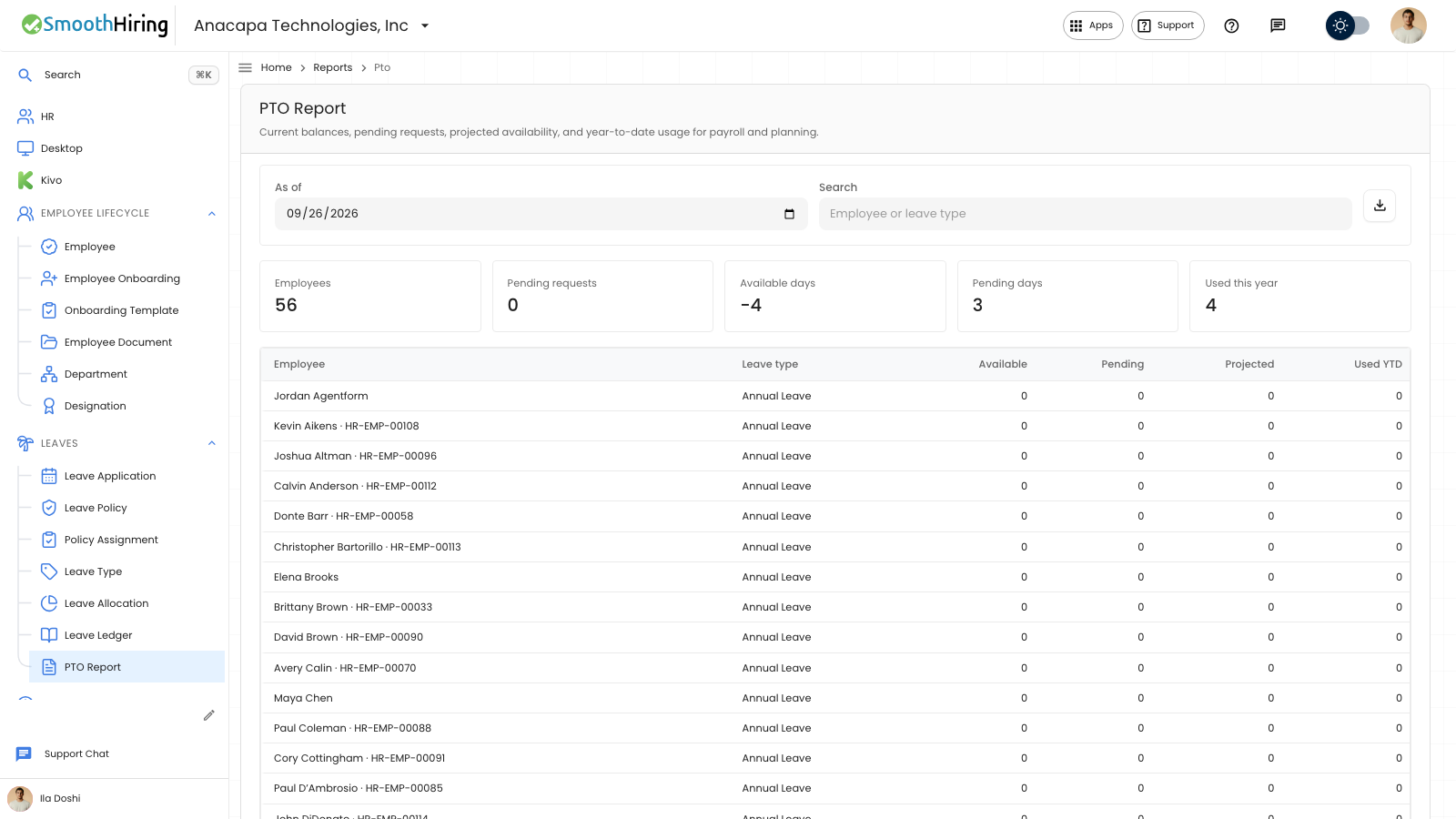
The payroll view of the same balances is PTO report.