

Ask to change a shift
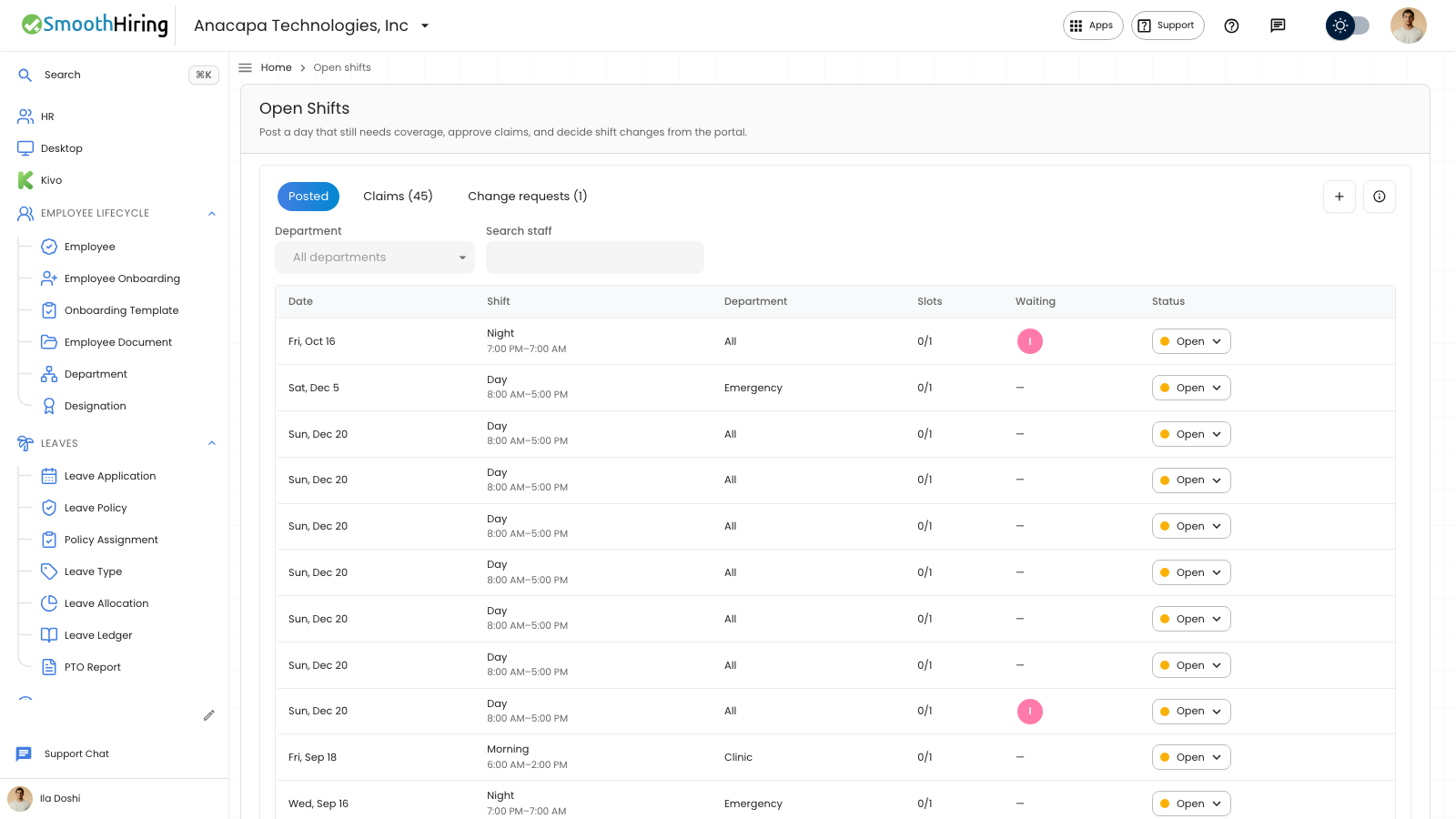
An employee asks to change a shift from Requests in the employee portal. A manager reviews it on Open Shifts. Once approved, it replaces what you are scheduled for on those days. Publishing a schedule does not create pay.
- Open Requests. Stay on Shift change.
- Choose Shift to change, or Custom dates to pick any days, working or off. Custom dates show From and To.
- Choose Change to.
- Read the note about what the request replaces.
- Choose Send request.
The page says: Ask to work a different shift. Once your manager approves, it replaces what you’re scheduled for on those days.
What you should see
The confirmation says Shift request submitted. The request is listed with dates, the shift you asked for, and status Waiting. While it is waiting, Cancel is on that row. Cancelling says Request cancelled.
A manager sees it on Change requests. See Review a change request.
With nothing sent yet, the list says No shift requests yet, and Ask for a shift change and track it here.
If something looks wrong
Send request stays unavailable until a shift and dates are set. It also stays unavailable when the note says You already have a request waiting for one of these days, or You’re already on this shift those days.
A conflict that blocks the change says Pick another shift or dates. A warning says Your manager will see this when they review it. Change to with no types says No shift types available.