

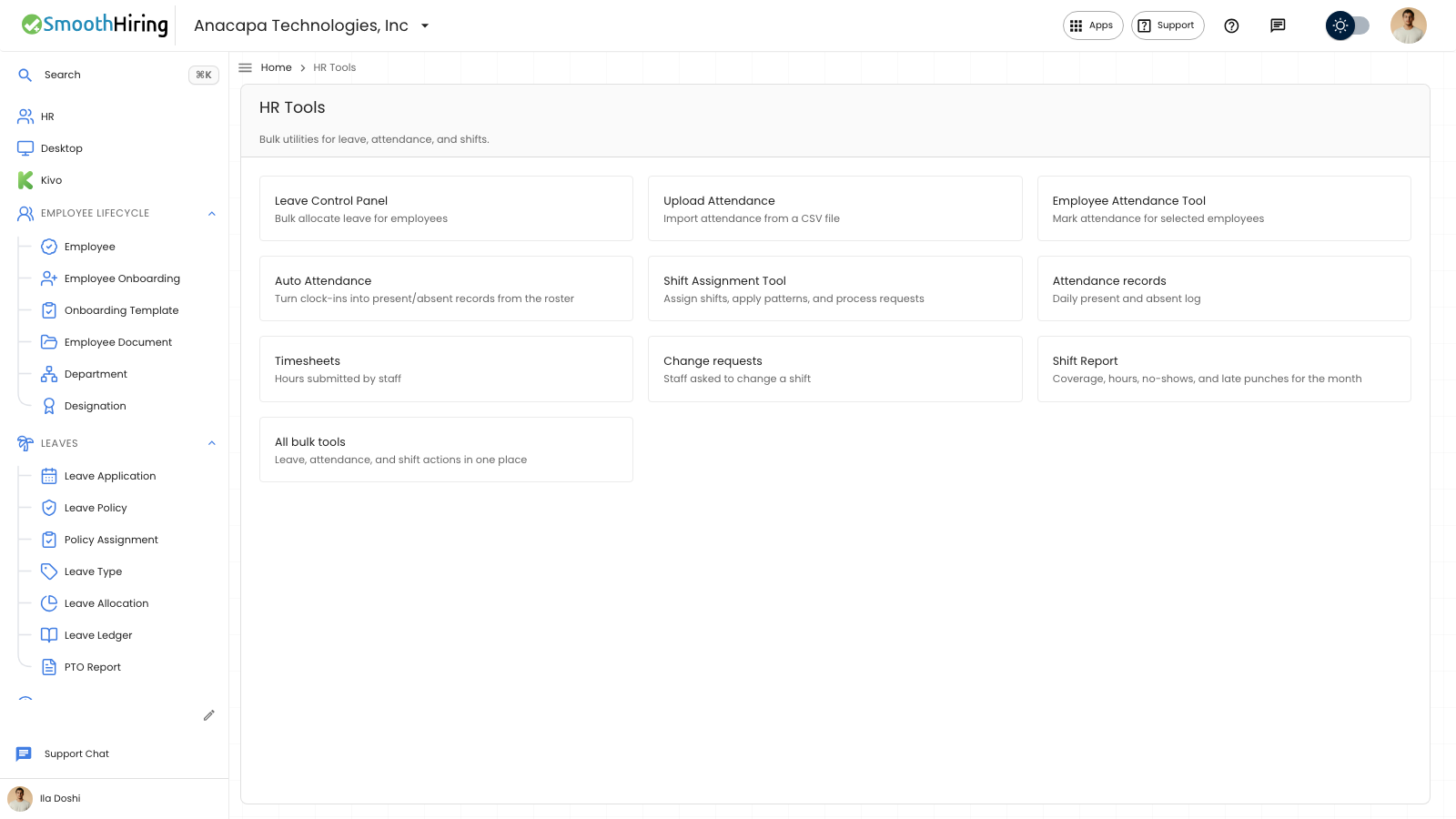
Leave Control Panel gives the same time-off balance to several people at once. Open Desktop, then Leaves, then Leave Control Panel. The description is Bulk allocate leave for employees. The page subtitle is Bulk allocate leave balances for selected employees.
Allocate the days
- Under Employees, search with Search employees and select each person. The caption shows how many are selected.
- Choose Leave Type.
- Set From, To, and Days. If To is empty, the period uses From.
- Choose Allocate Leave.
You should see Allocated leave for and the number of people. Those people then have an Active row on Leave Allocation, with Allocated equal to Days and Used at zero. Leave Ledger gets a Leave Allocation row on the From date.
Allocate Leave stays off until at least one person is selected.
If there are no employees yet, the list says No employees yet and offers New Employee. A search with no match says No employees match your search.
Bring balances from a spreadsheet
Under Allocate Leave, the note says: Moving from a spreadsheet? Paste CSV or tab-separated rows with: Employee Number, Email, Leave Type, Balance, As Of. Employee Number or Email is required.
- Paste the rows into Opening balances. The first line is the header. Use the placeholder as the column order: Employee Number, Email, Leave Type, Balance, As Of.
- Choose Import Opening Balances.
You should see Imported and the number of opening balances. The box clears when every row is imported.
If something looks wrong
Allocation failed means the run did not complete. You may also see Select at least one employee or Leave type and number of days are required. Check that Leave Type, From, and Days are filled in, then try again.
Import failed with Add a header and at least one balance row means the paste has no header line plus a data row. Opening balance import failed means a row could not be matched. Include an employee number or an email, the leave type, and the balance on every row. Rows that fail stay in the box.
Next
Confirm the new days on See a balance. Assigning the policy itself is Assign a policy.