

Claim an open shift
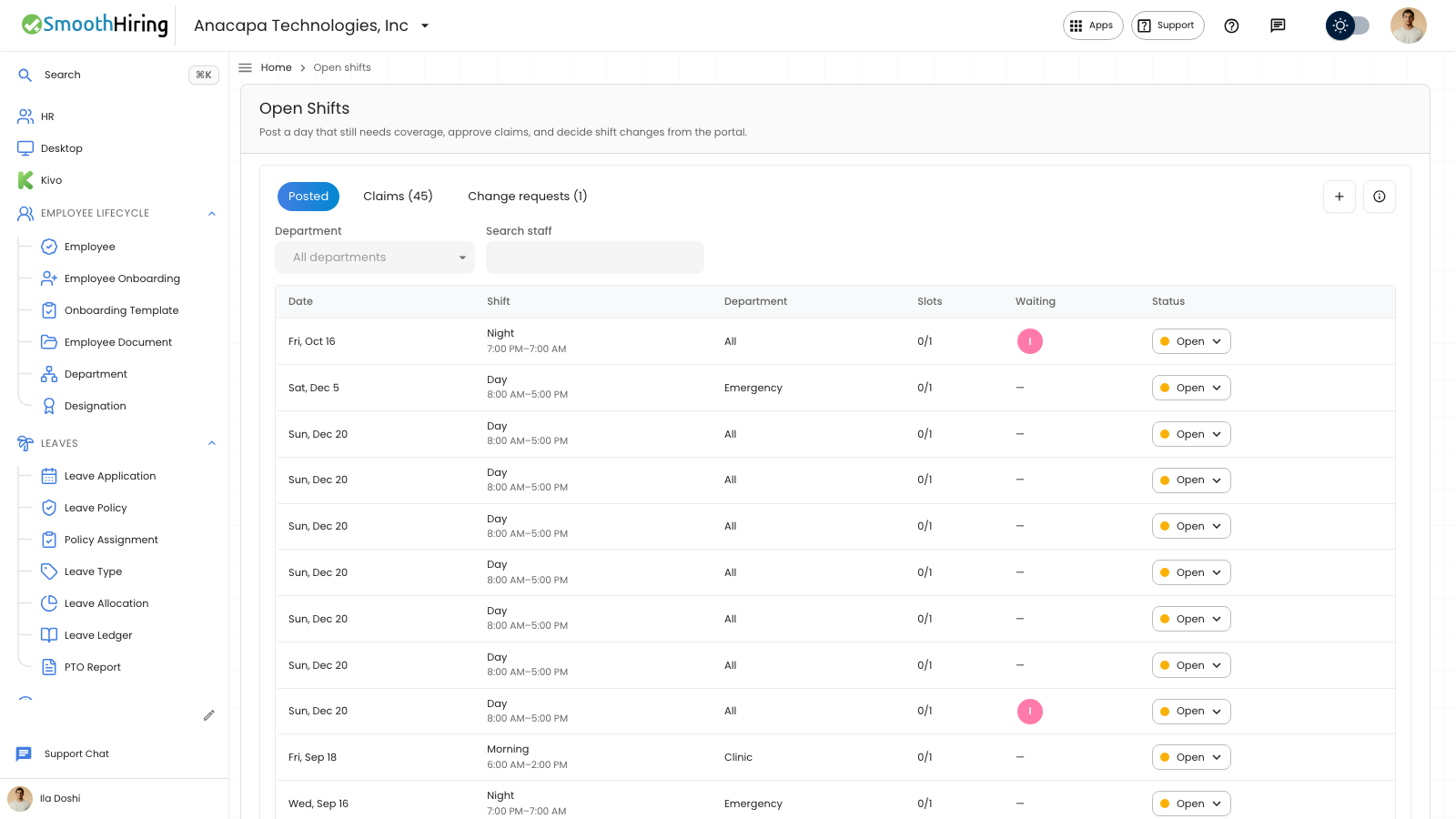
An employee claims a posted shift from the employee portal. A manager approves the claim before that person is on the roster. Publishing a schedule does not create pay.
- Open Open shifts. Home also lists upcoming open shifts, with Claim on a row and View all to this page.
- Read the date, shift, department, and slots.
- Choose Claim.
The page says: Claim a shift that still needs coverage. Your department lead will see the claim.
What you should see
The confirmation says Shift claim submitted for approval. On Home, a row can show how many spots are left.
The manager sees the person under Waiting on Posted, and the claim on Claims with status Waiting. See Approve a claim.
Nothing to claim says No open shifts, and There are no open shifts in your department right now. Home says None in your department right now.
If something looks wrong
Claim stays unavailable on a past date. On Home, Claim stays unavailable when no spots are left or while a claim is already sending.
A claim is a request. It lands on the roster when a manager sets it to Approved.