

This page is for managers. Attendance records is the daily present and absent log. A row here is not pay.
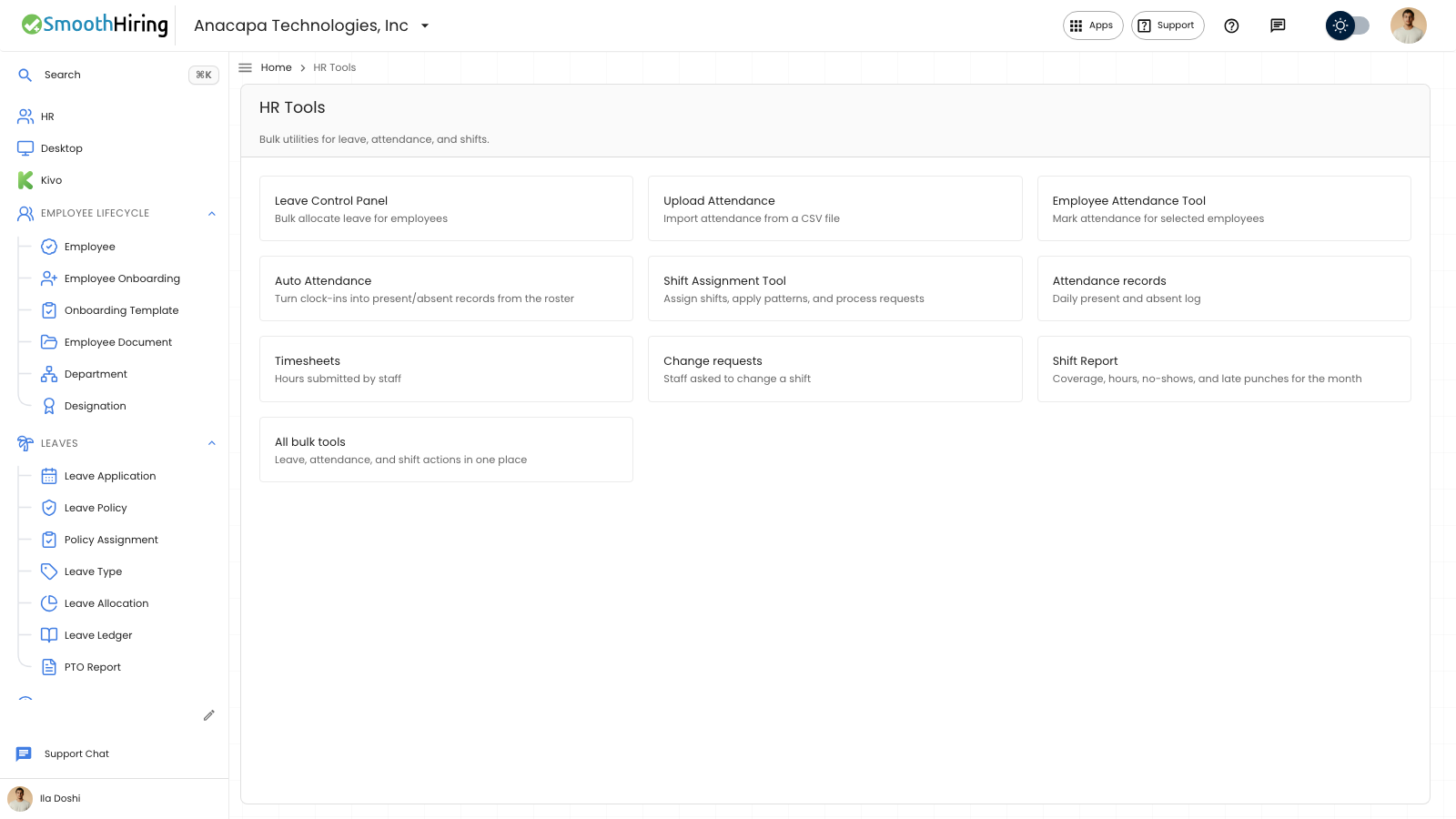
- Open HR Tools.
- Open Attendance records. The card says Daily present and absent log.
- Read the list. Open a row to see that day, or choose New Attendance to add one.
What you should see
The list is titled Attendance. Columns are Employee, Date, Shift, Clocked in, Clocked out, Hours, Status, Recorded by, Late, and Early Exit.
Status is Present, Absent, On Leave, Half Day, or Work From Home.
Recorded by is Clock when it came from a check-in, Request when it came from an attendance request, or Entered when someone marked or added it.
New Attendance asks for the employee, Date, Status, Shift, Clocked in, Clocked out, Hours Worked, Late Entry, Early Exit, and Notes. Saving a new row says Attendance created.
An empty list is titled No attendance yet and says Record daily attendance and keep shift compliance up to date. The action is New Attendance.
If something looks wrong
If a new row fails, the notice is Failed to save.
A check-in on employee home does not by itself fill this list for every person. Use Build attendance from clock-ins, Upload attendance, or Mark attendance for people when you need rows here.
Late and Early Exit say Yes or No. A blank clock time means that punch is not on the row.
This log does not create pay.