

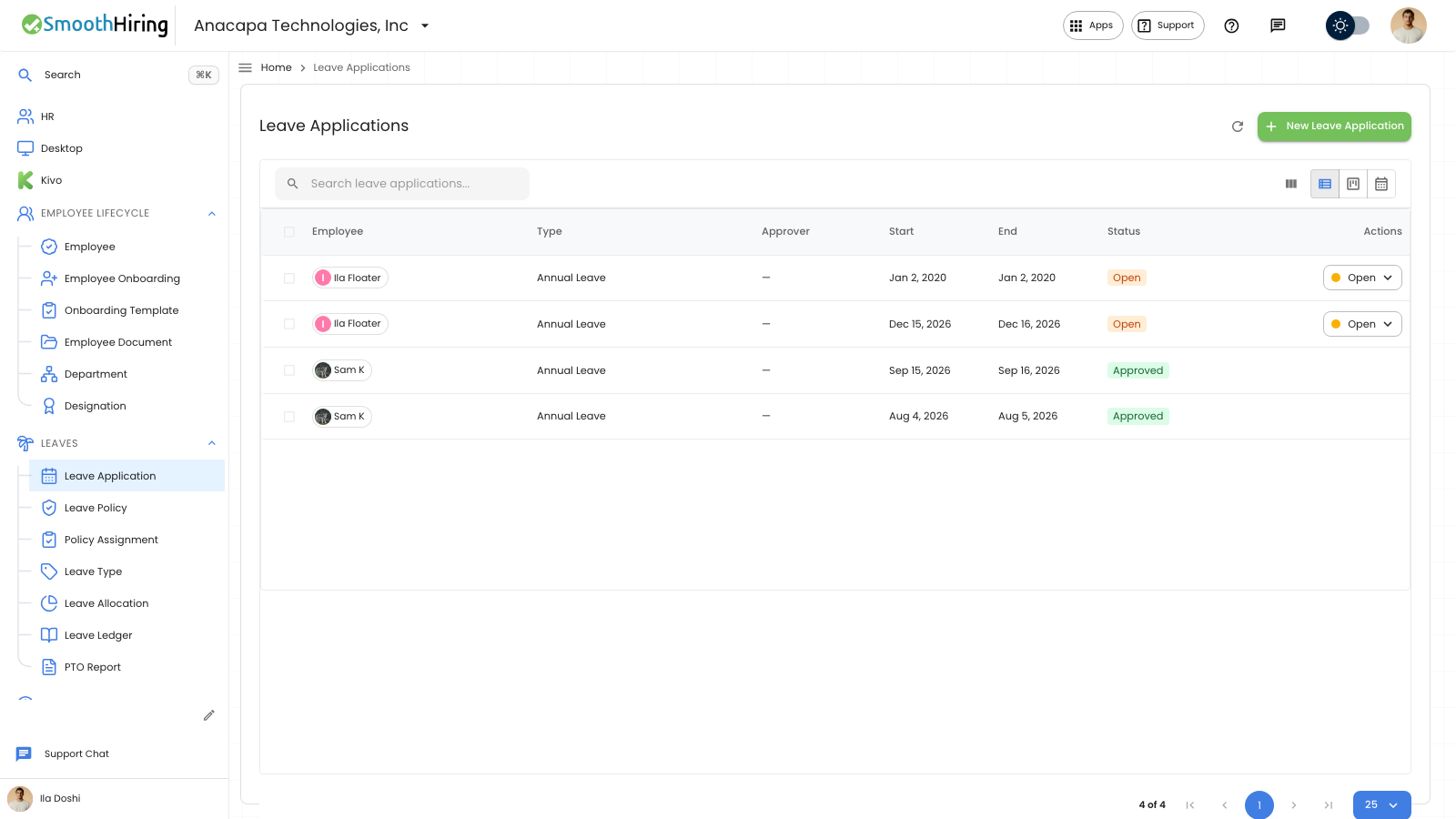
A waiting time-off request is a Leave Application with status Open. On the employee portal the same request shows as Pending. Approve it from Approvals, or from the Leave Application list.
Approve from the portal
Approvals is in the employee portal when you review other people’s requests. The page says Requests waiting on you.
- Open Approvals.
- Choose Leave. The tab includes a count when someone is waiting.
- A waiting request shows the person, the dates, the type, the days, and the reason. The control shows Waiting, Approved, and Denied.
- Choose Approved.
You should see Leave approved. The request leaves Approvals. On the employee’s Time off page, under Your requests, the status becomes Approved.
If the dates say cancel request, the control shows Cancel leave and Keep leave. That is a request to take back time that was already approved. See Cancel a request.
If nobody is waiting, the page says No leave waiting, with Time-off requests that need you will appear here.
If you do not see Approvals, your portal is the employee view only. Ask someone who reviews requests to open Approvals.
Approve from Leave Application
- Open Leaves, then Leave Application.
- While Status is Open, the row shows Open, Approved, and Denied.
- Choose Approved.
- The dialog is Approve request, and it asks Approve this leave application?
- Confirm with Approve.
The row then shows Approved. Status on the edit dialog stays read-only.
If something looks wrong
On Leave Application, a failed decision says Could not approve this request. The status stays Open. A more specific message can appear instead:
- You cannot review your own time-off request.
- This leave request cannot move to that status.
- This leave has already been paid and cannot be changed.
- Insufficient leave balance, with the days available.
On Approvals, a failed decision says Approval failed. You may also see You are not the leave approver for this employee or Leave application is not pending. The request stays on the list.
Next
To turn the request down, see Deny time off. Waiting requests are listed under Pending requests.