

Employment status
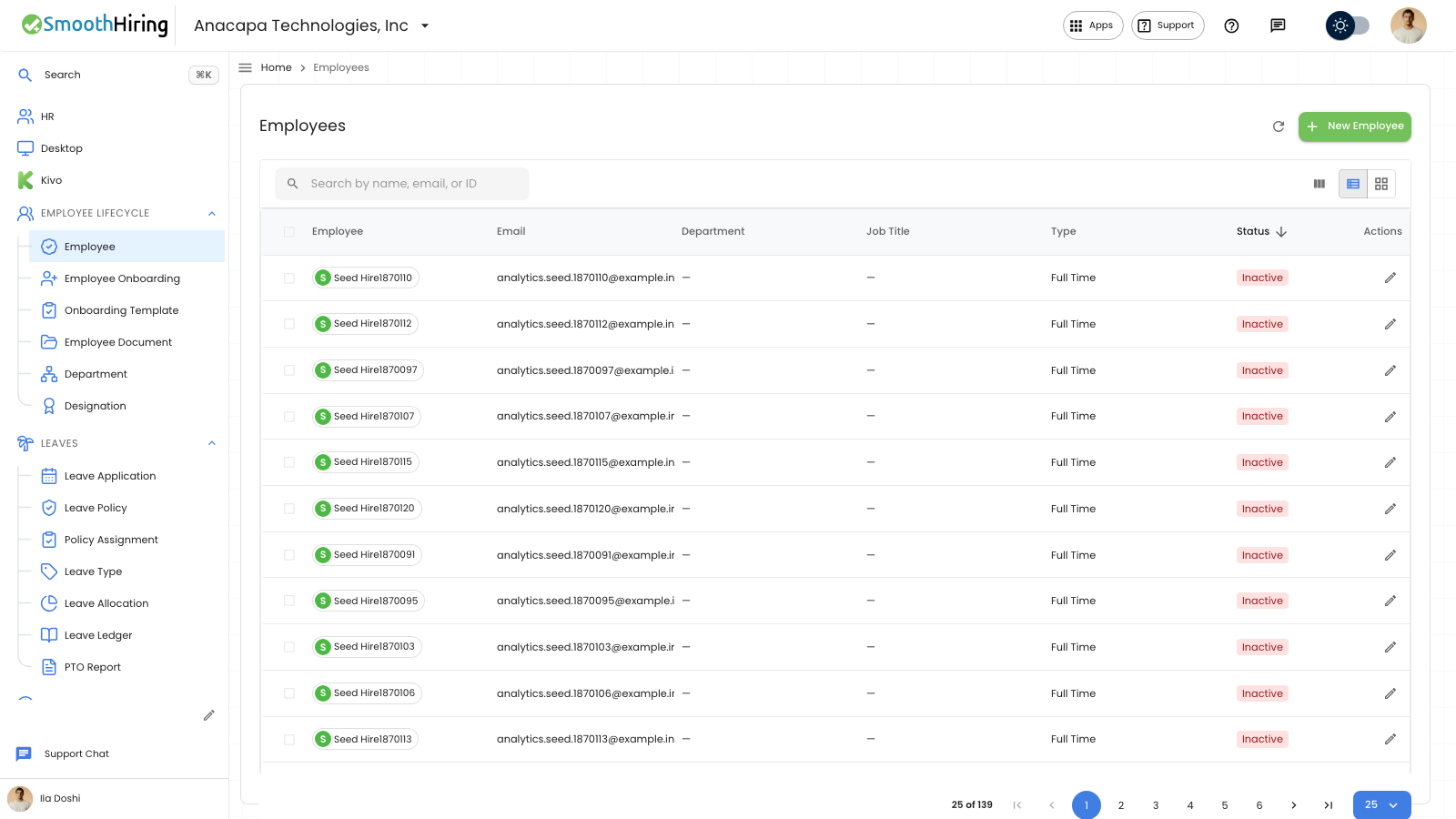
Status on an employee record is Active, Inactive, On Leave, or Left. It starts as Active. Changing Status does not create pay. Attendance and clocking do not change this Status.
- Open Employee under Employee Lifecycle.
- Click the person’s name.
- On Overview, under Basic Information, set Status.
- Click Save.
What you should see
The Employees list shows Status as Active, Inactive, On Leave, or Left. The form title shows the same Status. Saving with no edits shows “No changes to save.”
If something looks wrong
Status is required. Save stays on the form and names the missing fields when Status is empty.
A missing record shows “Employee not found” and “Employee #… does not exist for this company, or you do not have access.” Click Back to list.
A failed save says “Failed to save” or “Save failed. Your edits are still here.” Your choice is still on the form. Click Save again.