

Decline a claim
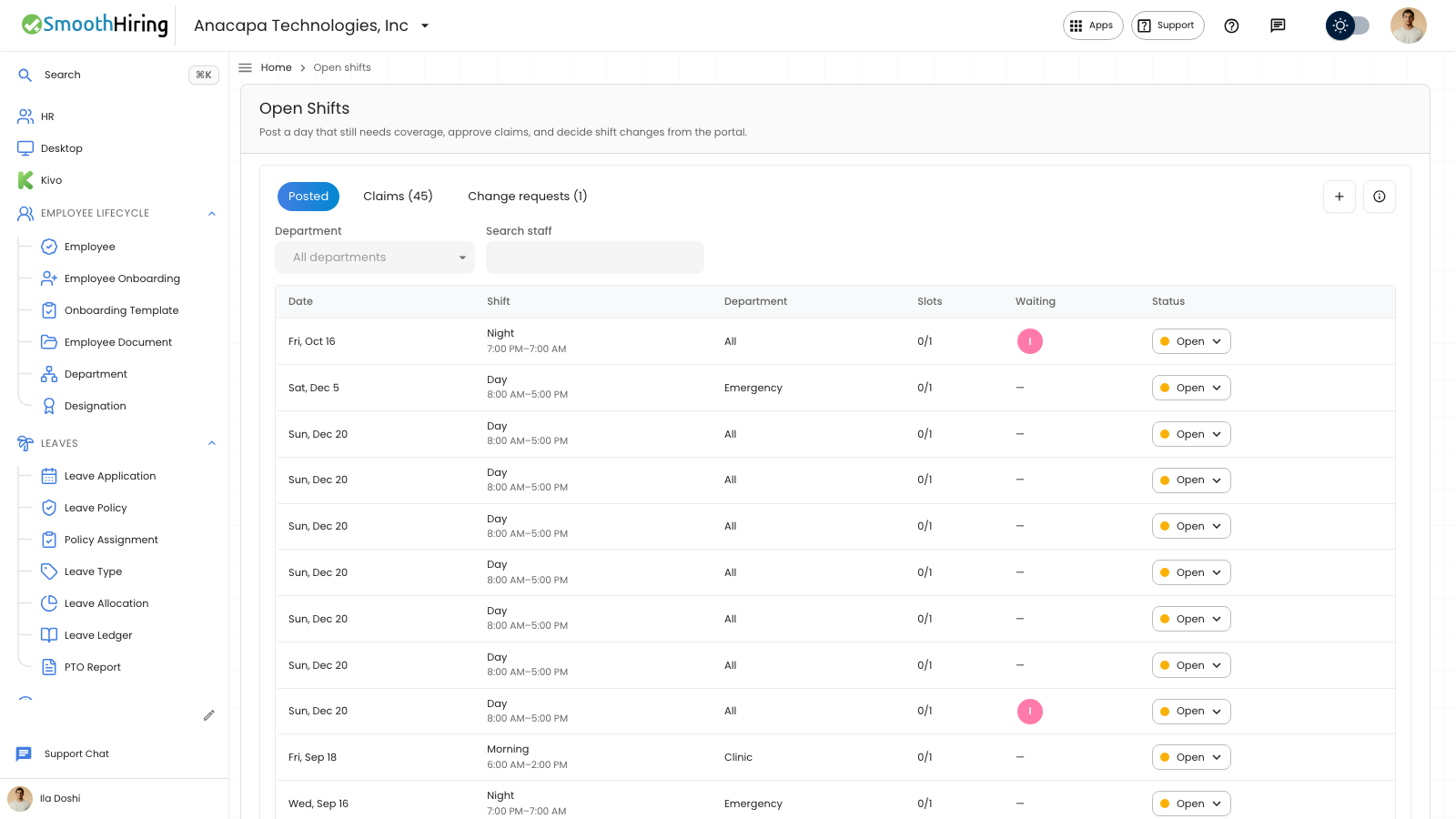
A manager declines a claim on Open Shifts. The person stays off the roster for that posted shift. Publishing a schedule does not create pay.
- Open Open Shifts.
- Open Claims.
- Find the waiting claim.
- Set Status to Declined.
What you should see
The confirmation says Claim declined. The row stays in the list with status Declined. The posted shift stays open while slots remain, and that person is no longer in Waiting.
A department lead can also open Approvals, then Shift claims, and set Waiting to Declined. An empty queue there says No shift claims waiting.
If something looks wrong
A failed decline says Could not decline this claim. The status stays Waiting, and you can set Declined again.
Declined remains available on a past date, when Approved is not offered. After a claim is Approved or Declined, the status no longer offers the other choice.