

Job title
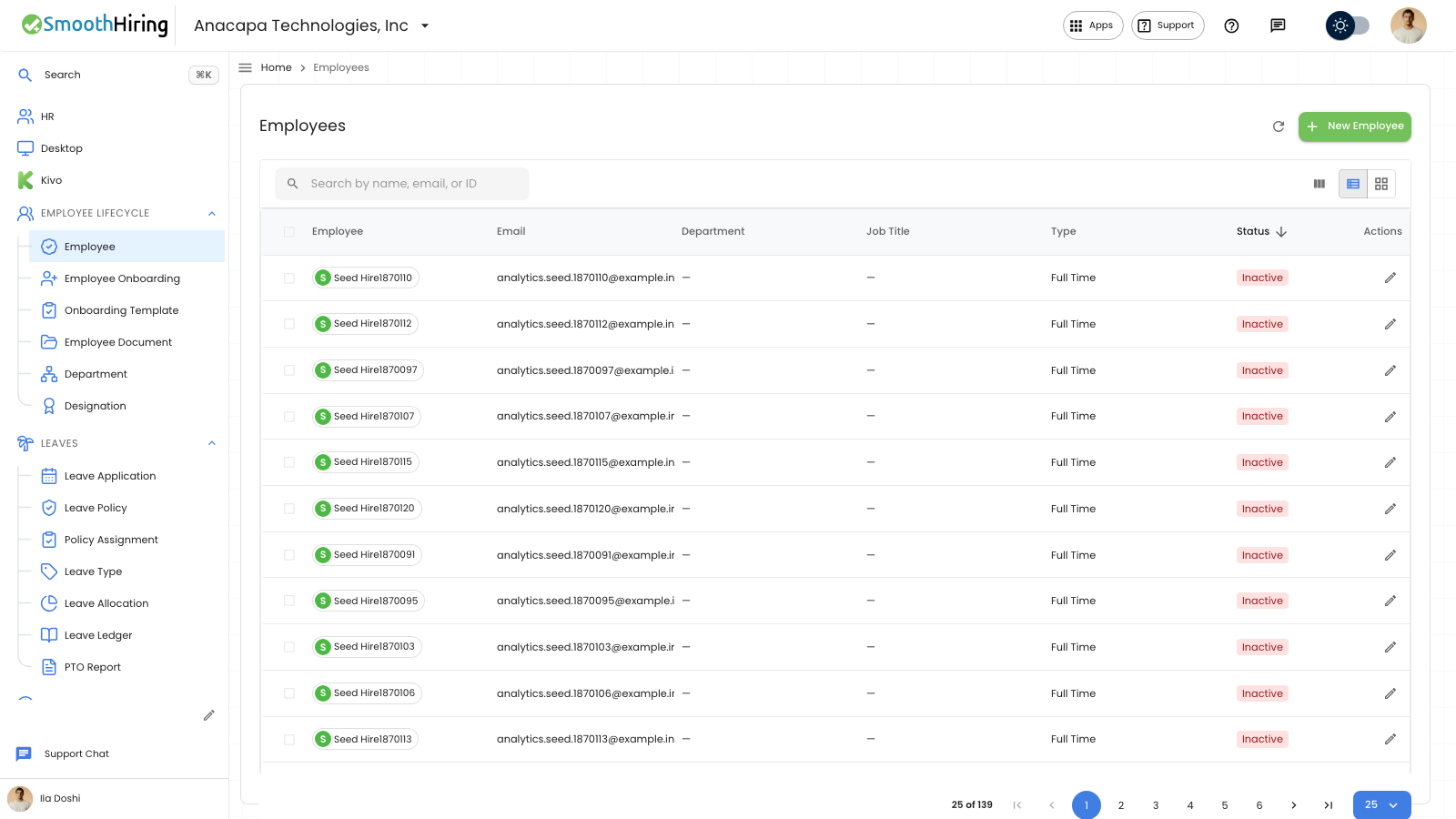
The job title is the Designation on the employee record. The Employees list shows that title in the Job Title column. On the employee portal profile, the same title appears as Job title. Add the designation before you assign it.
- Open Designation under Employee Lifecycle. The list is titled Designations.
- Click New Designation. Under Details, enter Name. Name is the title, and it is required. Click Create Designation.
- Open Employee, then the person.
- On Overview, under Company Details, choose Designation.
- Click Save.
What you should see
Designations shows the title under Name. A new designation shows “Designation created,” and Status shows Active. Employees shows that name under Job Title.
If something looks wrong
Designation on the employee has no choices until Designations has a row. Add the designation, then set Designation on the employee.
Create Designation names Name when that field is empty. Enter the title in Name and try again.