

This page is for employees. Requests is where you ask to change a shift, work extra hours, or swap with a coworker.
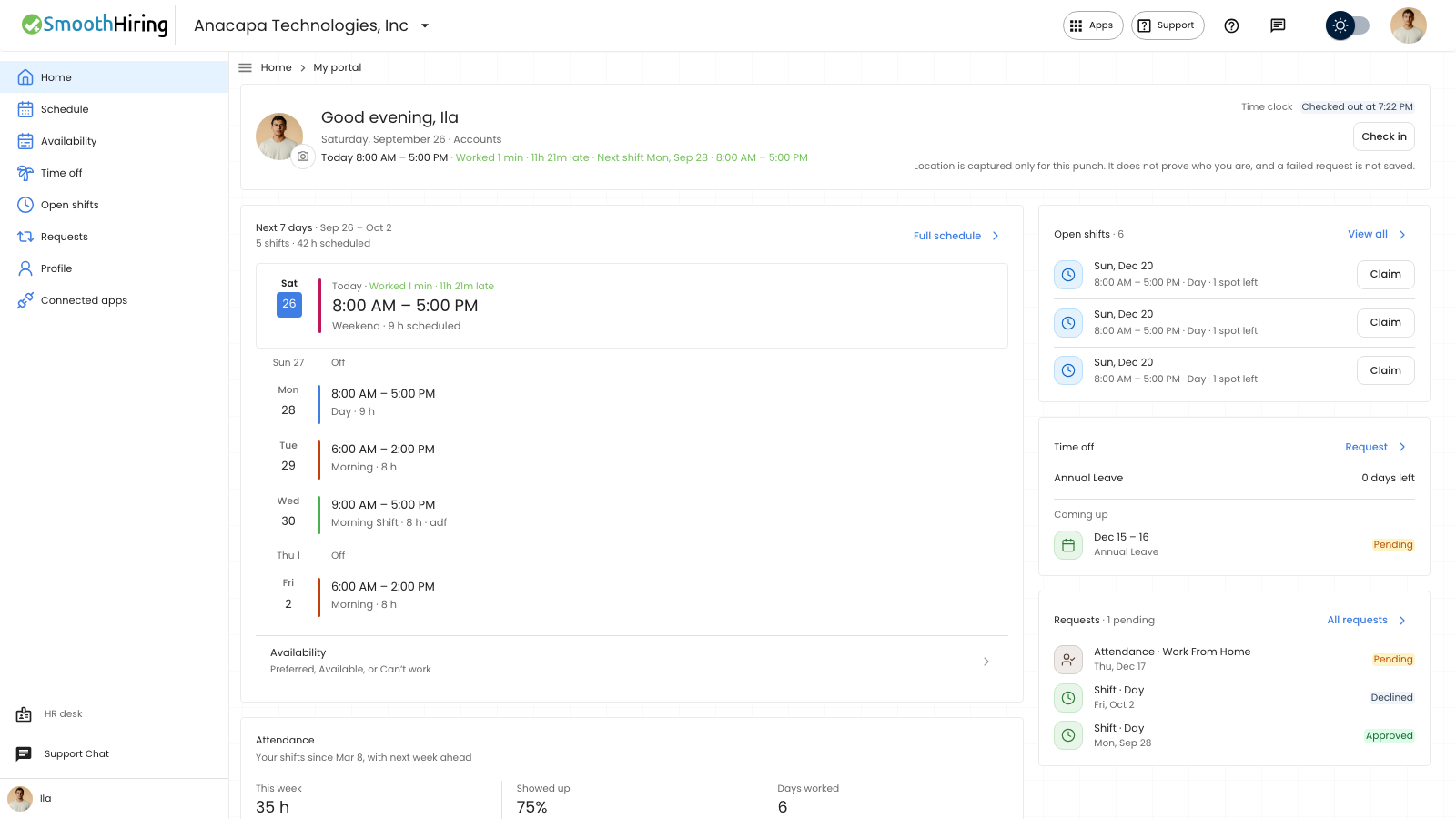
- Open Employee Portal, then Requests. All requests on Home opens the same page.
- Choose Shift change, Extra hours, or Swap or offer.
- Fill in the shift, then send it.
What you should see
The page title is Requests. The subtitle is Ask to change a shift, work extra hours, or swap with a coworker.
Shift change says to ask to work a different shift, and that once your manager approves, it replaces what you are scheduled for on those days. Choose Shift to change (or Custom dates, then From and To), choose Change to, and choose Send request. The notice is Shift request submitted. The table columns are Dates, Change to, and Status. With none yet, it says No shift requests yet and Ask for a shift change and track it here.
Extra hours says to ask to start earlier or stay later on one shift. Choose Shift, set Start and End, add a Reason if you want, and choose Send request. The notice is Extra hours requested. The table columns are Shift, Hours, and Status. With none yet, it says No extra hours requests yet.
Swap or offer says to give a published shift to a coworker, or trade it for one of theirs. Choose Your shift, then Offer to and Offer, or Swap for and Swap. The notice is Request sent. Status lists the requests. With none yet, it says No swaps or offers yet.
On Home, Requests shows the latest ones. With none, it says No shift or attendance requests yet.
If something looks wrong
Send request on a shift change stays off until a shift and dates are valid. The page can say You already have a request waiting for one of these days, You’re already on this shift those days, or Pick another shift or dates. A past date says Choose today or a later day. If the shift change does not send, the notice is Failed to submit shift request.
Extra hours says No published shifts until a scheduler publishes your week. If Send request fails, the notice is Could not send the request. Swap or offer says No shift changes yet in that same case, or No published shifts when you already have other requests but no upcoming shift to offer.
Offer stays off until you choose someone under Offer to. Swap stays off until you choose a shift under Swap for. If a list is empty, it can say No one else is in your department yet, No coworkers are free for this shift, or No coworker shifts nearby fit both schedules.
If sending a swap or offer fails, the notice is Could not send the request.
Work from home and on duty are sent from Time off, then Attendance, with Submit attendance. They are not on this page.
See Employee home.