

KRAs
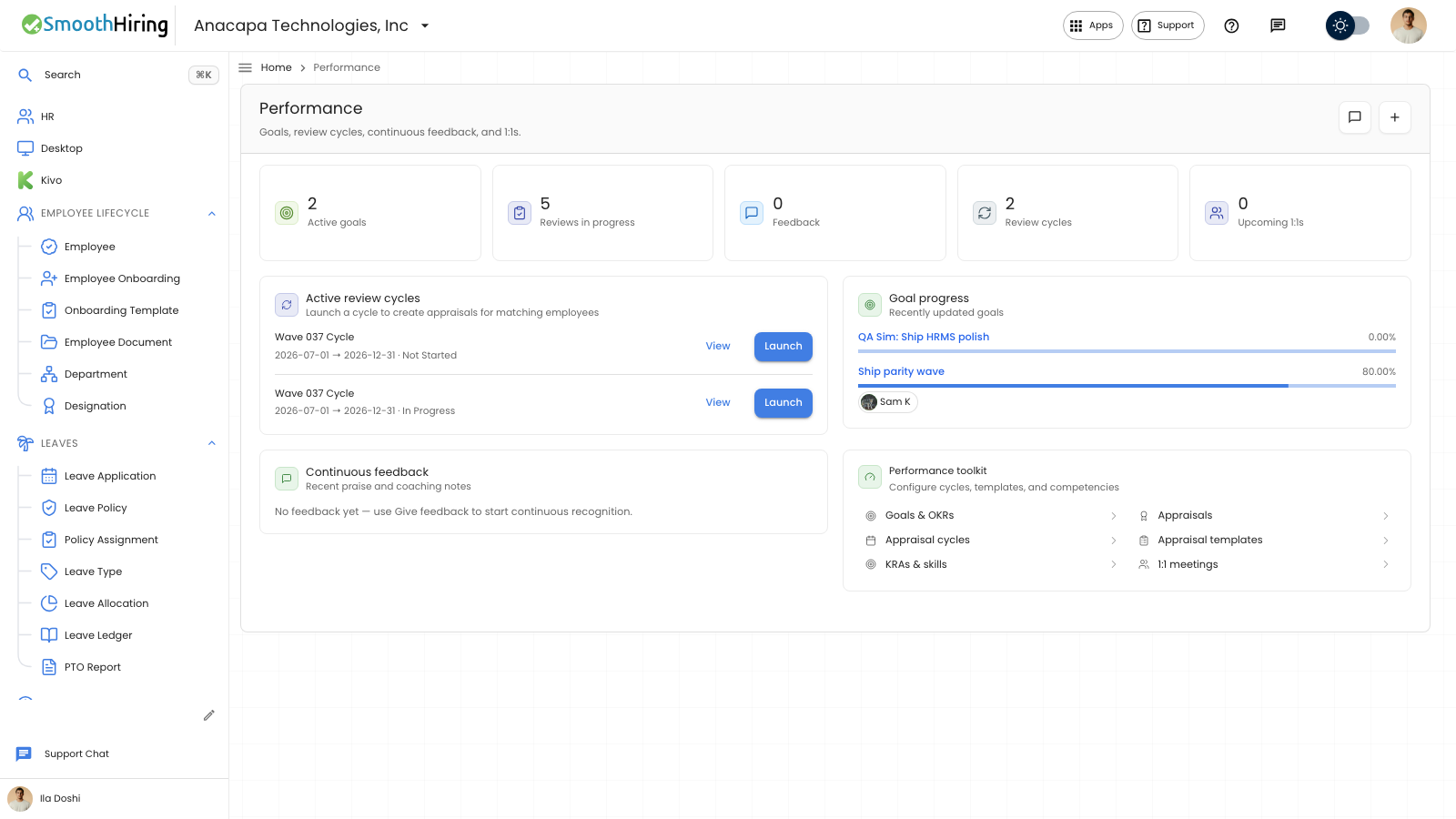
A KRA is a key result area you can attach to a goal and use in reviews. Open KRA under Performance. The list is titled KRAs. On Performance Hub, the same list is under Performance toolkit as KRAs & skills.
- Click New KRA.
- Under Details, enter Title. Title is required. Description is optional.
- Click Create KRA.
On a goal, KRA lists these titles. Open Goal, then set KRA when you want the goal tied to one.
What you should see
The list shows the Title under KRA. An empty list says “Define key result areas used in performance reviews.” After you save, the button changes from Create KRA to Save.
If something looks wrong
Create KRA names Title when that field is empty. Enter Title and try again.
KRA on a goal has no choices until this list has a row. Create the KRA, then open the goal and choose it.
A review cycle does not require a KRA. KRA Evaluation Method on the appraisal cycle is Automated Based on Goal Progress or Manual Rating. That setting is on the cycle, not on this page.