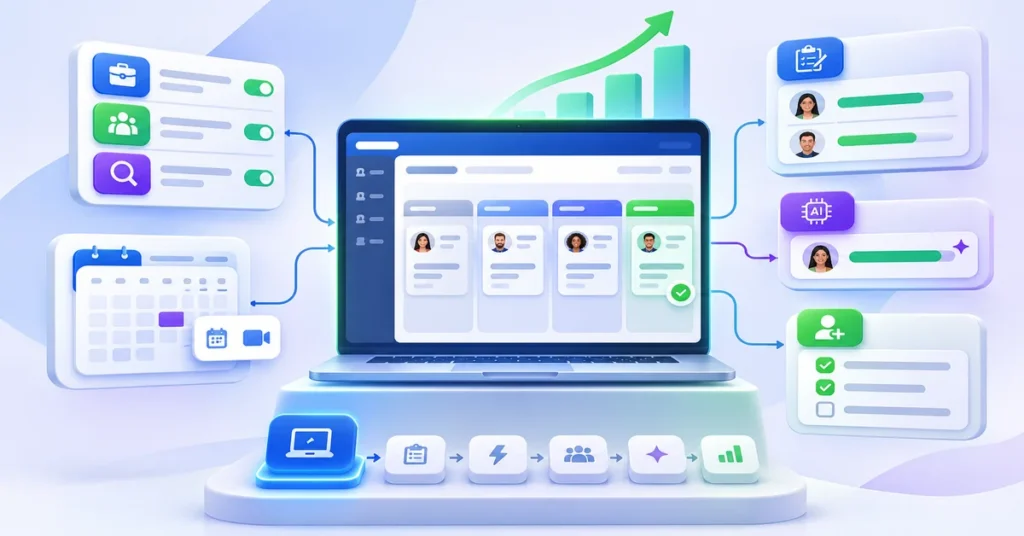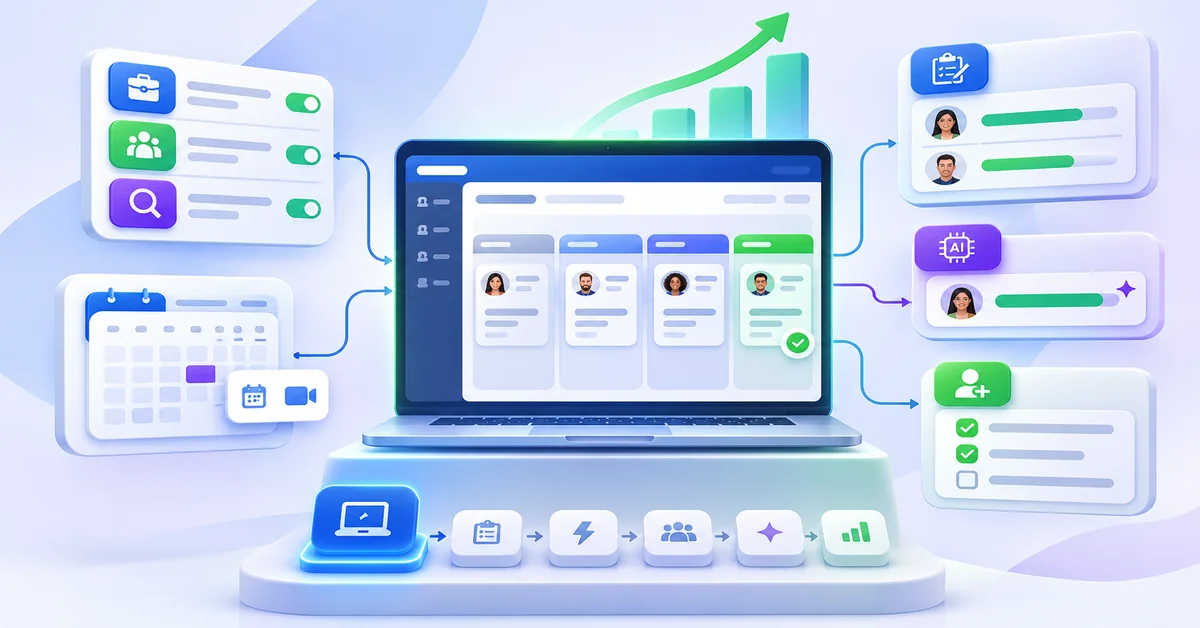
When building a talent acquisition tech stack, most small businesses should buy an applicant tracking system (ATS) first. It becomes the single place where every job, applicant, interview note and hiring decision lives, and the right one also posts jobs to multiple boards and books interviews. Everything else in a talent acquisition tech stack, from assessments to AI matching and onboarding, plugs into that core and can be added as hiring grows.
What should a small business buy first?
A small business should buy an applicant tracking system first, ideally one that includes job distribution and interview scheduling. Add assessments, automation and onboarding as hiring volume grows. Leave AI sourcing, advanced analytics and standalone recruiting CRMs until you hire regularly and have enough data to use them.
Getting the order of your small business hiring technology right matters because hiring takes time. SHRM’s 2026 recruiting benchmarking, drawn from more than 4,600 organizations, puts the median time to fill a non-executive role at 39 calendar days. For a small team, the right tools shorten that wait; the wrong mix adds logins, duplicate data and subscription costs without making anyone faster.
Key takeaways
- Start with one system of record: an ATS with job distribution and scheduling built in or tightly connected.
- Buy for the bottleneck you have today (too few applicants, slow screening, slow scheduling), not for every feature on a vendor’s list.
- Add assessments, automation and onboarding once you hire regularly; add AI matching, predictive analytics and deeper reporting once you have volume and data.
- Fewer, connected tools usually beat a large collection of point solutions for teams without a dedicated recruiting operations person.
What is a talent acquisition tech stack?
What is a talent acquisition tech stack?
A talent acquisition tech stack is the set of software a business uses to attract, evaluate, hire and onboard people. In a large company it can include a dozen tools: an ATS, a recruiting CRM, sourcing databases, assessment platforms, scheduling tools, background-check services, analytics and an HR information system (HRIS). In a small business the same talent acquisition tools are often covered by two or three products, or one all-in-one platform.
The stack also supports the longer-term side of hiring, such as keeping strong candidates in a talent pool and measuring which hires succeed. If you are unsure where that line sits, our explainer on talent acquisition vs recruitment covers the difference.
What tools do small businesses need for hiring?
At minimum, hiring software for SMBs needs to do four things well: publish jobs where candidates look, keep every applicant in one place, schedule interviews without long email chains, and record why each decision was made. Those needs map to the core of the stack: an ATS, job distribution and interview scheduling. Everything else improves those steps but depends on that core.
Talent acquisition tech stack: what to buy first
The table below ranks the main categories of recruiting tools for small businesses, the core of any HR tech stack for recruitment. “Essential” tools solve problems almost every hiring team has. “Recommended” tools pay off once you hire regularly. “Advanced” tools need volume, data or a dedicated owner to be worth the cost.
| Tool category | Priority | Best for | Buying considerations |
|---|---|---|---|
| Applicant tracking system (ATS) | Essential (buy first) | Any business hiring more than a few people a year or involving more than one interviewer | Ease of use for hiring managers, careers page, resume parsing, pipeline stages, data export |
| Job distribution | Essential | Reaching candidates on several job boards without reposting by hand | Which boards are included, free vs sponsored posting, source tracking back to the ATS |
| Interview scheduling | Essential | Teams losing days to back-and-forth email | Calendar sync (Google, Outlook), self-scheduling, reminders, video meeting links |
| Candidate assessments | Recommended | Roles with many applicants or high cost of a bad hire | Job relevance, validation evidence, candidate time required, adverse-impact monitoring |
| Recruitment automation | Recommended | Repetitive status emails, stage moves and reminders | Trigger rules you control, templates, a clear way to review automated actions |
| Onboarding software | Recommended | Businesses hiring monthly or across locations | Document collection, e-signatures, checklists, handoff from the ATS without retyping |
| Recruitment analytics and reporting | Recommended to advanced | Teams that want to know which sources and steps work | Time to fill, source of hire, funnel conversion; exportable data |
| AI hiring and candidate matching | Advanced | High application volume and repeat roles | Explainability, bias testing, human review, compliance with local AI hiring rules |
| Predictive hiring | Advanced | Repeat roles where you can benchmark top performers | Scientific basis, validation for your roles, how results are shown to hiring managers |
| Candidate sourcing tools and recruiting CRM | Advanced | Hard-to-fill or senior roles, ongoing outbound recruiting | Data source and accuracy, outreach limits, cost per seat; often unnecessary under 50 hires a year |
Essential recruitment technology tools, in priority order
1. Applicant tracking system (ATS)
1. Applicant tracking system (ATS)
An ATS collects applications from every source, moves candidates through stages and keeps notes, ratings and messages on one record. It is the foundation because every other tool either feeds it data or depends on it. For a small team, prioritize ease of use for busy hiring managers over long feature lists. Our breakdown of ATS features small businesses actually need separates the essentials from the extras, and SmoothHiring’s applicant tracking system shows how the core pieces fit together.
2. Job distribution software
Job distribution sends one job post to several job boards and social channels and brings applications back into the ATS with the source attached. Buy it as part of the ATS where possible: a standalone multiposting tool means another login and another place where source data can break. Check which boards are included, which ones charge for sponsored posts, and whether you can see applications and hires by source. See how job distribution software works in practice.
3. Interview scheduling software
Scheduling looks small until a three-person panel and a candidate in another time zone take a week to coordinate. Self-scheduling links tied to interviewer calendars, automated reminders and built-in video links remove most of that delay. Look for interview scheduling software that syncs with the calendars your team already uses.
4. Candidate assessment tools
Assessments such as skills tests, behavioral assessments and one-way video interviews add evidence beyond the resume. They help most when roles draw many applicants or a bad hire is expensive. Ask vendors what each assessment measures, how it was validated and how much time it asks of candidates. Our pre-employment assessments page explains the main types.
5. AI hiring and candidate matching tools
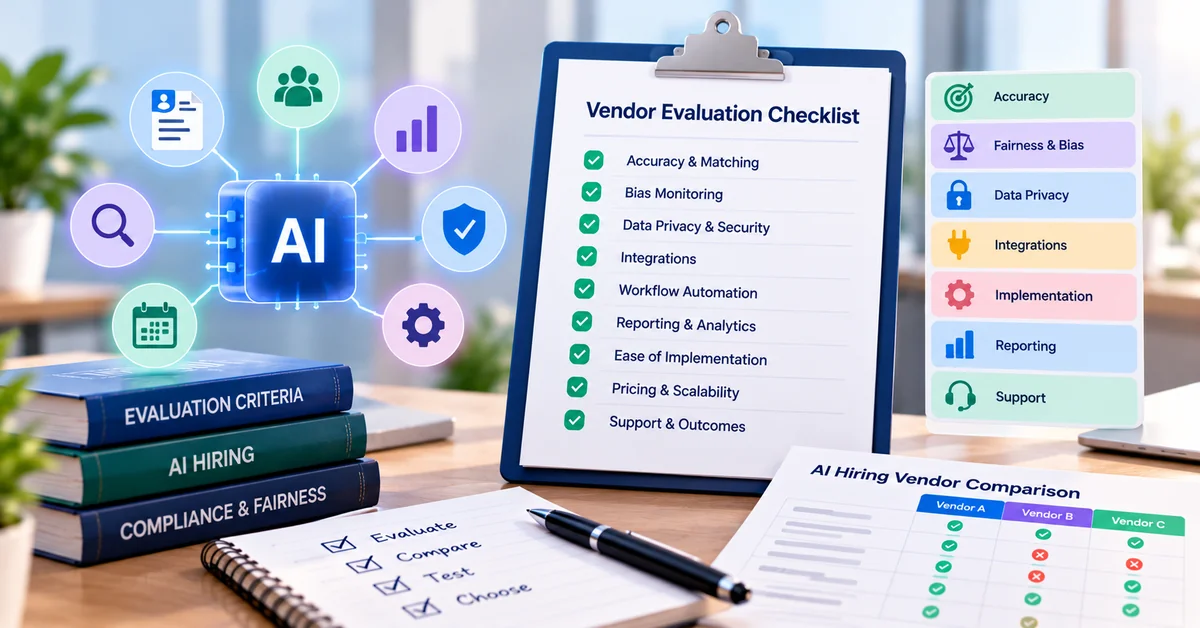
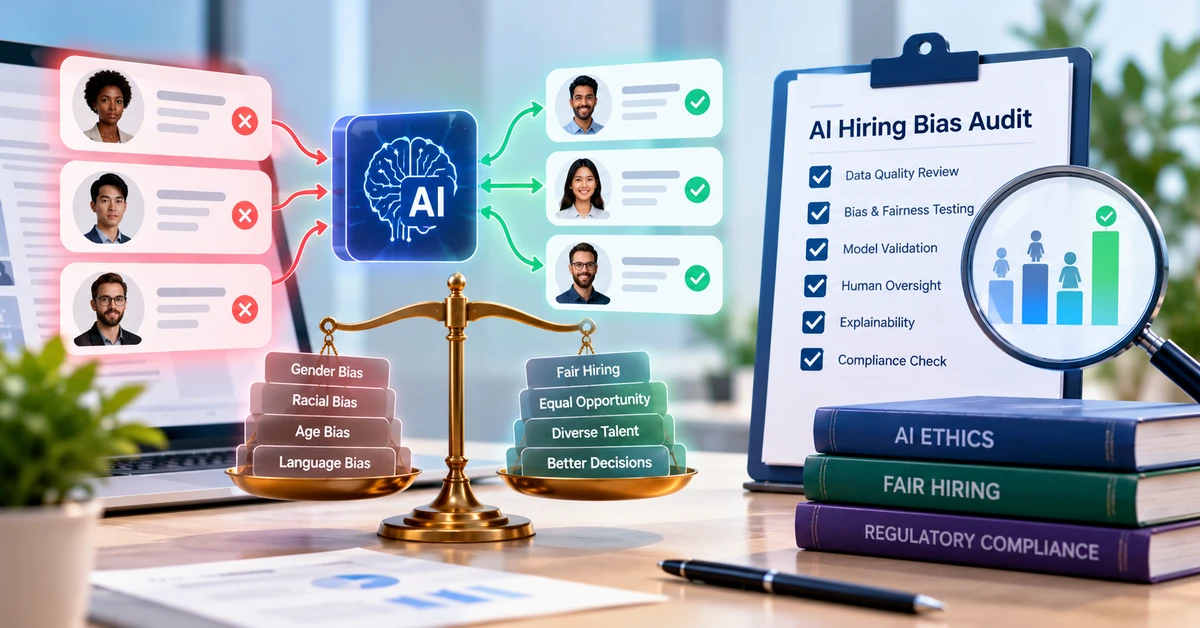
AI tools can draft job descriptions, summarize resumes, generate interview questions and rank applicants against a role. They save the most time at higher volumes. Before relying on rankings, ask how the tool reaches its recommendations, how it is tested for bias and what records it keeps; some jurisdictions, such as New York City, require bias audits and candidate notice for automated hiring tools. Our AI hiring platform evaluation checklist lists the questions to ask, and you can see how SmoothHiring’s AI hiring platform handles them.
6. Candidate sourcing tools
Sourcing tools search external profile databases for people who have not applied. They earn their cost mainly for hard-to-fill technical or senior roles; most small businesses get more from job distribution, referrals and a talent pool of past applicants.
7. Recruitment analytics and reporting
Basic reports on time to fill, source of hire and drop-off by stage should come with your ATS. Separate analytics tools make sense when you hire across several teams or locations and need to compare them. SmoothHiring’s workforce analytics page covers the reporting side.
8. Onboarding software
Onboarding tools collect forms and signatures, assign first-week tasks and make sure new hires are ready on day one. The biggest gain comes from connecting onboarding to the ATS, so offer details and candidate information carry over instead of being retyped. Explore SmoothHiring’s onboarding software.
What does a talent acquisition tech stack look like at each stage?
Small businesses hiring 1 to 10 employees a year
Small businesses hiring 1 to 10 employees a year
Keep it simple: an ATS with a careers page, built-in job distribution and interview scheduling. One owner, usually the founder or an office manager, runs the process. Skip AI sourcing and standalone analytics. Example: a 15-person IT services firm hiring two developers and an account manager a year needs a clean pipeline and structured interview scorecards far more than a sourcing database.
Growing SMBs hiring 10 to 50 employees a year
Add structured assessments for high-volume or high-risk roles, recruitment automation for status emails and stage moves, a searchable talent pool, onboarding and basic reporting. Our checklist of what to automate first helps set the order. Example: a 120-person fintech company hiring support, sales and compliance staff each quarter benefits from assessments for support roles and documented background-check steps for regulated roles.
Scaling businesses hiring 50 or more employees a year
At this volume, AI matching, predictive hiring, deeper analytics and an integration between the ATS and your HRIS start to pay for themselves. You may also need a recruiting CRM or sourcing tool for hard-to-fill roles, plus a clear review process for any AI that influences who moves forward. Example: a SaaS company adding 60 people a year across engineering and sales uses predictive benchmarks for repeat sales roles and sourcing outreach for senior engineers.
How much should a small business spend on recruitment technology?
There is no reliable industry percentage for small businesses, so build the budget from your own numbers. Start with what hiring costs today: job board fees, agency fees, and the hours your team spends posting, screening and scheduling. Then compare that with the subscription price plus setup time for the tools you are considering, over at least a year.
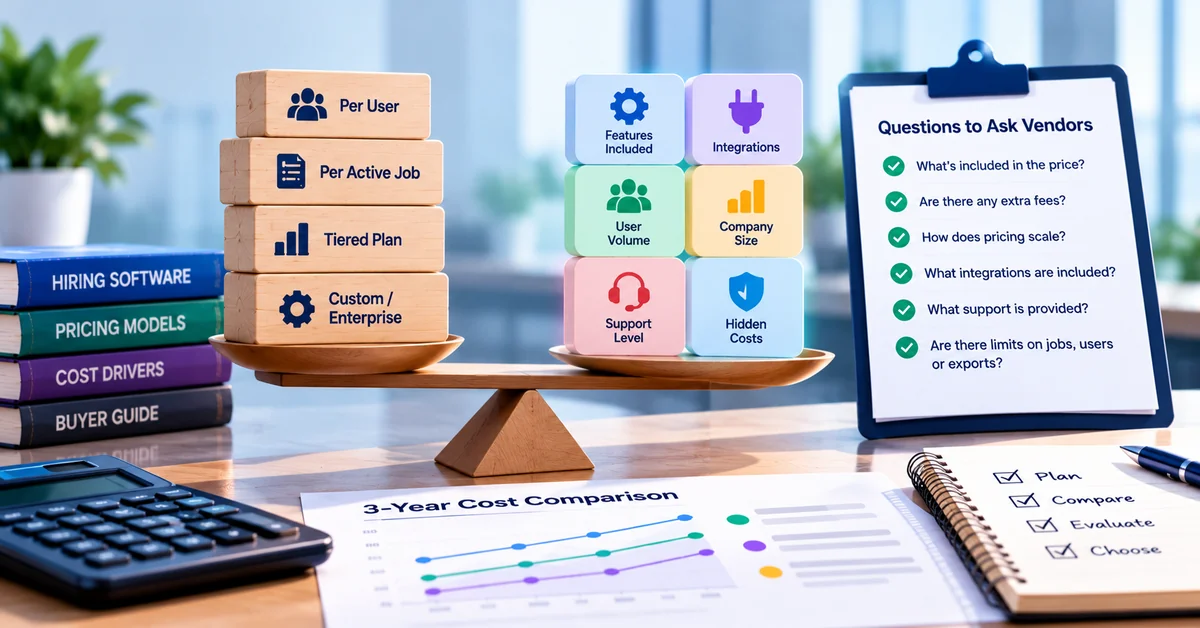
Pricing models vary: per user, per active job, tiered plans or custom quotes. As one reference point, SmoothHiring’s published plans in November 2026 start at $149 a month (Starter), with Growth at $229 and Scale at $469, and 20% off with yearly billing. Our guide to hiring software pricing explains the models and the extra fees to ask about before you sign.
How to choose the right talent acquisition software
- Name your bottleneck. Too few applicants points to job distribution; too many unqualified ones points to screening and assessments; slow interviews point to scheduling.
- Decide between one platform and several tools. An all-in-one platform is easier to run; separate best-of-breed tools offer more depth but need integration work. Our comparison of standalone ATS vs all-in-one recruiting platforms covers the tradeoff.
- Test with a real role. Run one open job through a trial, including a hiring manager who is not technical.
- Check integrations. Confirm calendar, email, job board and HRIS connections before signing.
- Review data and AI terms. Ask who owns candidate data, how to export it and how AI features are tested and explained.
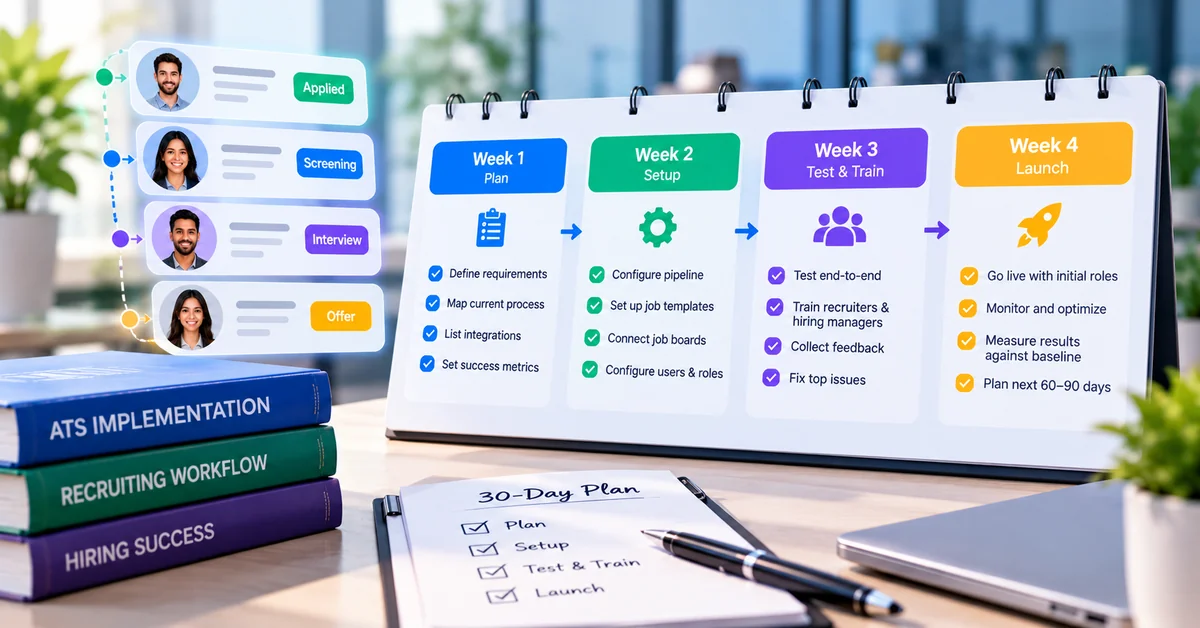
For a full evaluation framework, see our guide to choosing talent acquisition software, and when you are ready to roll out, our 30-day implementation plan breaks the setup into weekly steps.
Common mistakes when building a recruitment tech stack
- Buying advanced tools first. AI sourcing or predictive analytics adds little if applications still arrive in a shared inbox.
- Stacking tools that do not talk to each other. Every disconnected tool means retyped data and missing source information.
- Choosing for recruiters only. If hiring managers find the system hard to use, feedback ends up in email and chat again.
- Ignoring total cost. Setup, integrations, extra seats and add-ons can outweigh the headline price.
- Automating without review. Automated rejections and AI rankings need regular human checks and clear records.
How SmoothHiring helps SMBs simplify recruitment
How SmoothHiring helps SMBs simplify recruitment
SmoothHiring brings the essential layers of a small business hiring stack into one platform, so a small team can start with the basics and add more as hiring grows:
- An applicant tracking system with custom pipelines, resume parsing, knockout questions, interview scorecards and a branded careers page.
- Job distribution to more than 200 job boards and social platforms.
- Interview scheduling with self-scheduling, calendar sync and reminders.
- Assessments, including one-way video assessments and a patented psychometric assessment behind its predictive hiring analytics.
- AI tools that draft job descriptions, generate interview questions and rank applicants against the role.
- Onboarding tools and hiring reports such as time to hire and source of hire.
Features vary by plan, so compare them on the pricing page or book a demo with one of your open roles.
Frequently asked questions
What should a small business buy first for its talent acquisition tech stack?
What should a small business buy first for its talent acquisition tech stack?
An applicant tracking system, ideally one with job distribution and interview scheduling included. It gives you one record of every applicant and decision, and every other hiring tool depends on it.
What is a recruitment technology stack?<
A recruitment technology stack is the set of software a business uses to attract, screen, interview, hire and onboard candidates. It usually includes an applicant tracking system, job distribution, interview scheduling and, as hiring grows, assessments, automation, analytics and onboarding tools.
Does a small business need an ATS?
Not always at the very start. A business hiring one or two people a year with one decision-maker can manage with a shared inbox and a scorecard. Once several roles are open at once or more than two people review candidates, an ATS usually saves more time than it costs.
Should a small business choose an all-in-one platform or separate tools?
Most small businesses are better served by one platform that covers the essentials, because it avoids integration work and duplicate data. Separate specialist tools make sense when a specific need, such as technical assessments or outbound sourcing, goes beyond what the platform offers.
When should a small business add AI hiring tools?
Add AI tools when application volume makes manual screening slow, usually for repeat roles. Before relying on AI rankings, confirm how the tool explains its recommendations, how it is tested for bias and whether your locations have rules on automated hiring tools.
How much does recruiting software cost for a small business?
It depends on the pricing model and features. Plans may be priced per user, per active job or by tier. As a reference point, SmoothHiring’s published plans in November 2026 start at $149 a month. Compare total cost over a year, including setup and add-ons.
Do small businesses need a recruiting CRM?
Usually not at first. A modern ATS with a searchable talent pool covers most small-business needs. A dedicated recruiting CRM is worth considering when you run ongoing outbound recruiting for hard-to-fill roles. Our guide on whether a small business needs an ATS or CRM goes deeper.
Conclusion
The best talent acquisition tech stack for a small business is the smallest one that removes your current hiring bottleneck. The best recruiting software is the one your hiring managers will use; our roundup of hiring platforms for small and medium businesses compares common options. Start with an ATS that posts jobs widely and books interviews, run every role through it, and add assessments, automation, onboarding and AI only when your hiring volume and data justify them.